My Marketplace Builder
MMB is a no-code, SAAS, multi-vendor marketplace platform suitable for both B2B and B2C. During my time in the company, I designed the base product and helped developing a fully customizable experience through the creation of add-on features.
Simultaneously, I was involved in customer acquisition, conducting discovery workshops with Enterprise clients and designing tailored solutions to meet their business requirements.
Team
1 × Product Designer
1 × Project Manager
6 × Developers
2 × QA Engineers
Addressing Market Needs with Templates
The short version
Problem:
Customers required different types of marketplaces (Products, Services, Rentals)
Solution:
Developed three major marketplace templates tailored to these needs.
Impact:
Enabled customers to take their first transaction within 48 hours.
My Strategy:
Identified key market needs and created versatile templates to meet diverse customer requirements quickly.
01
Adhering to the principles of No Code, Customizability, and Continuous Growth, we have developed software that is quick to use, adaptable to customer needs, and technologically up-to-date to remain relevant.
The standard version of the marketplace includes all the main features, enabling our customers to take their first transaction within 48 hours.
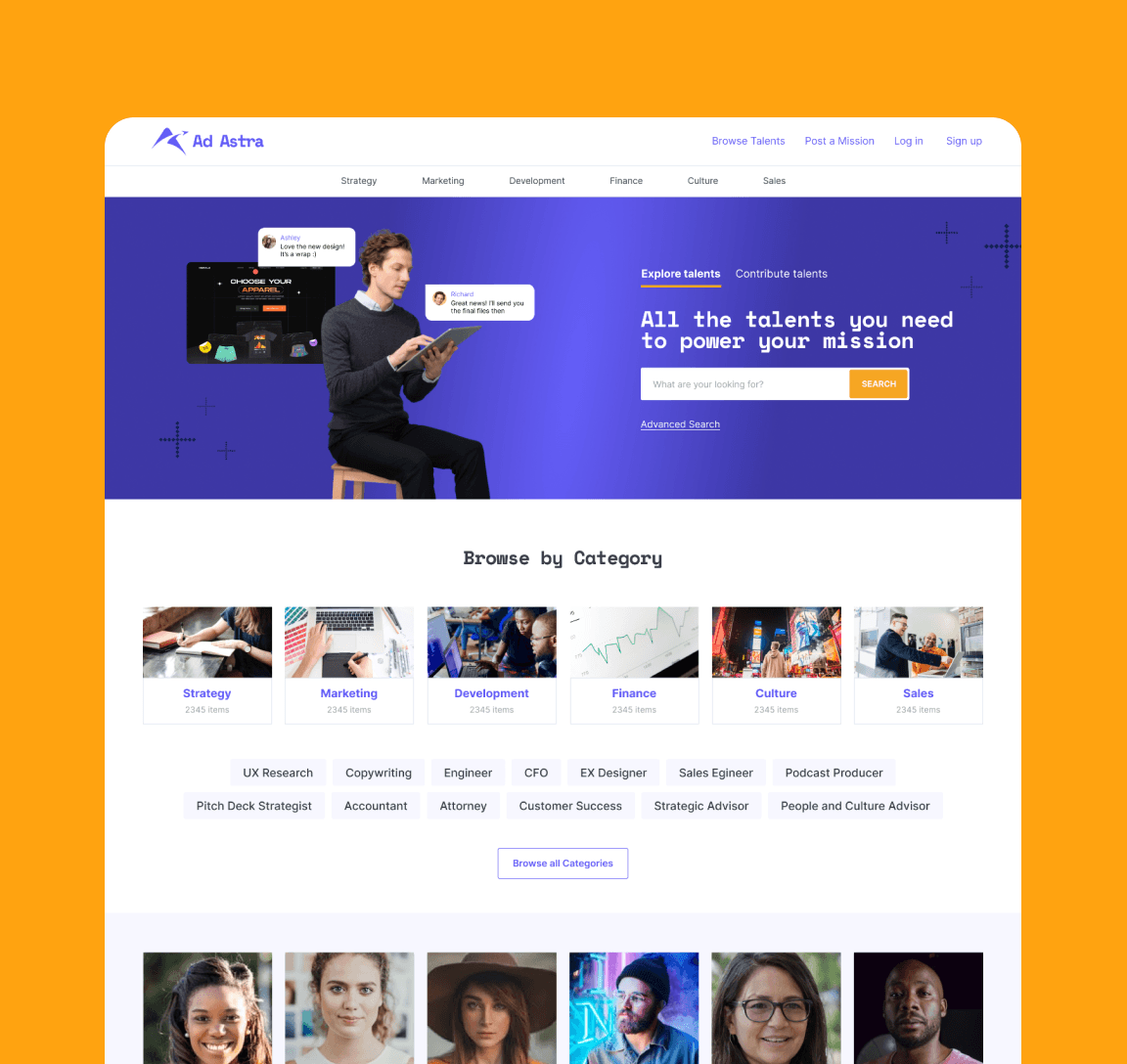
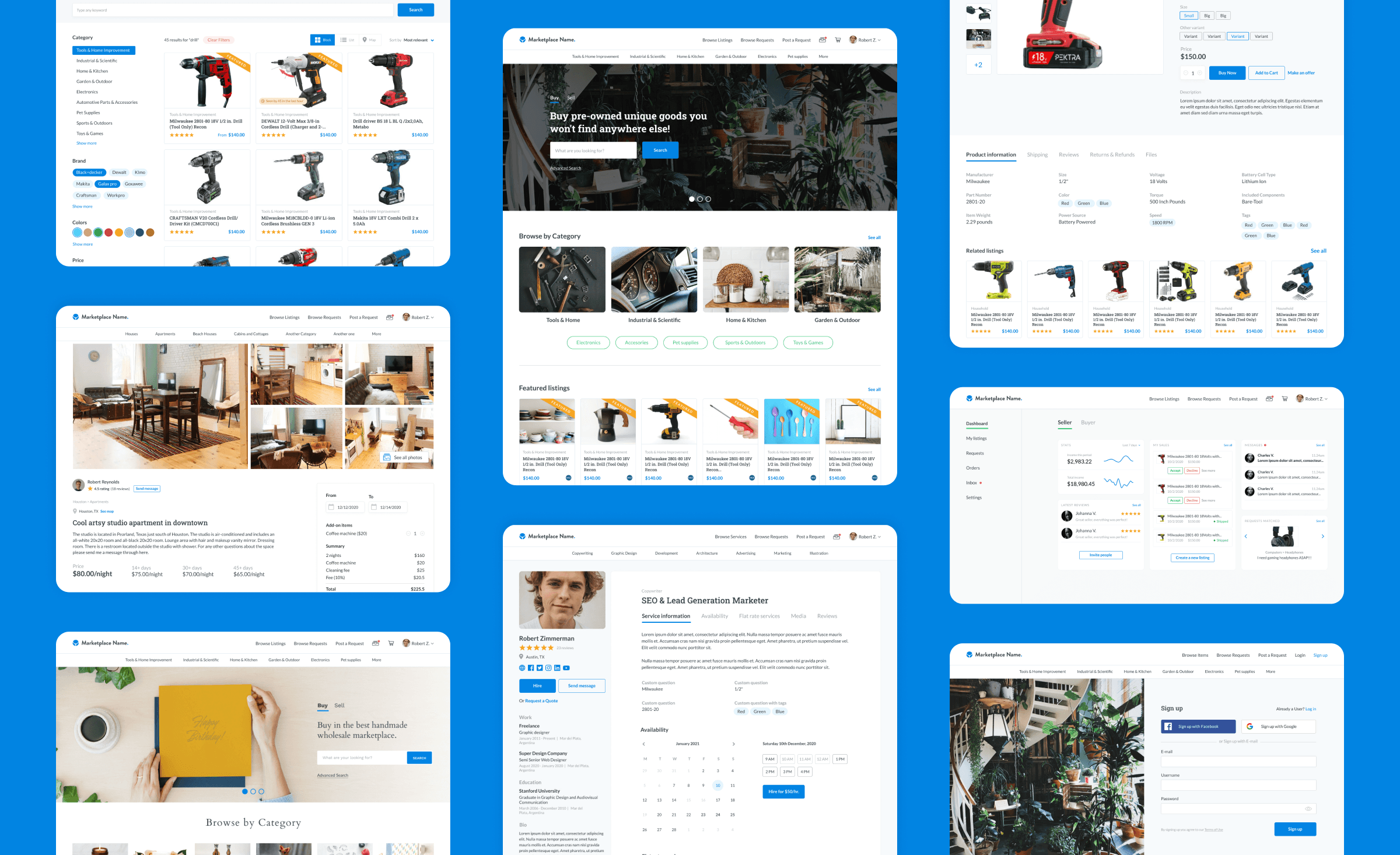
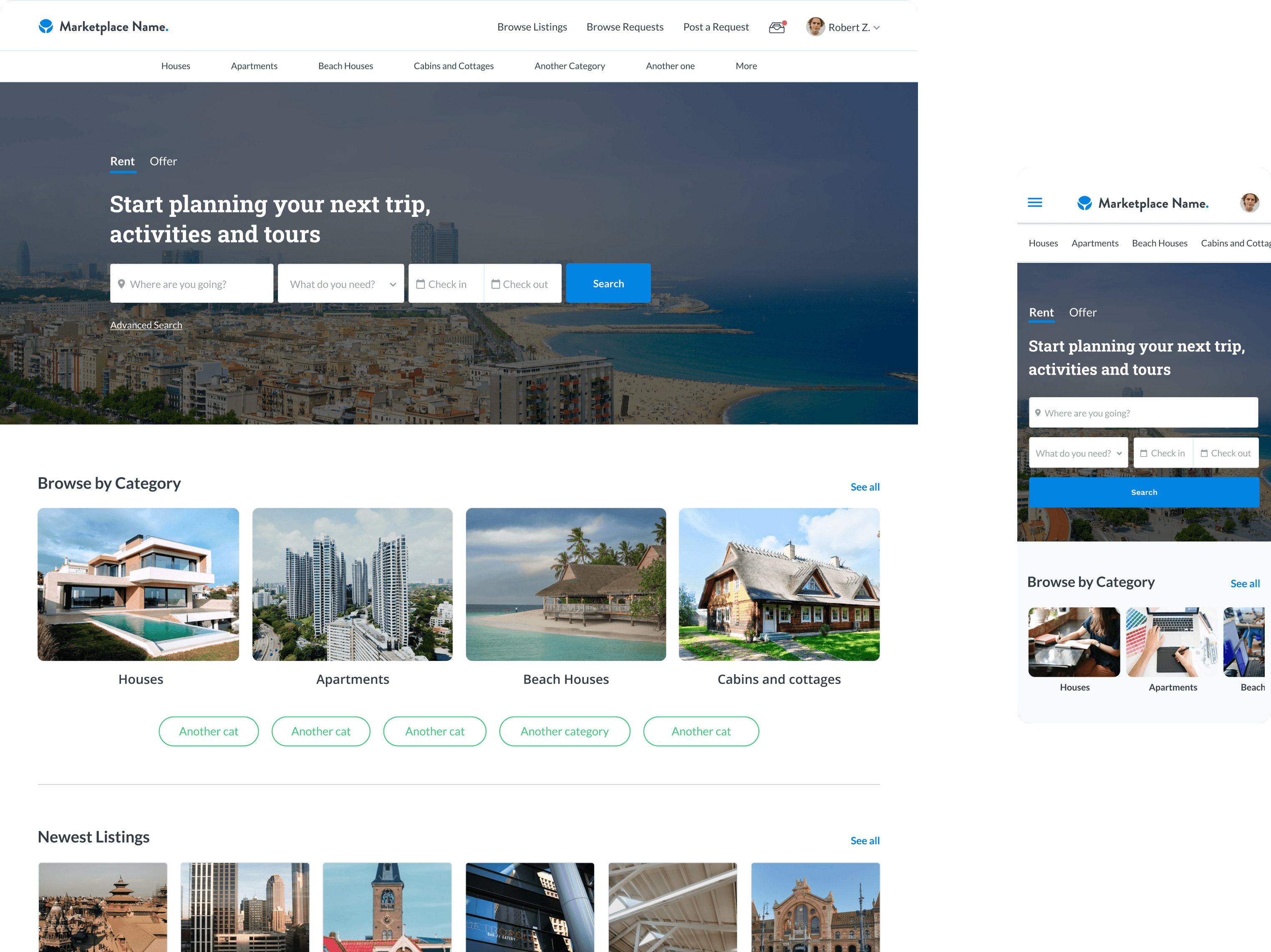
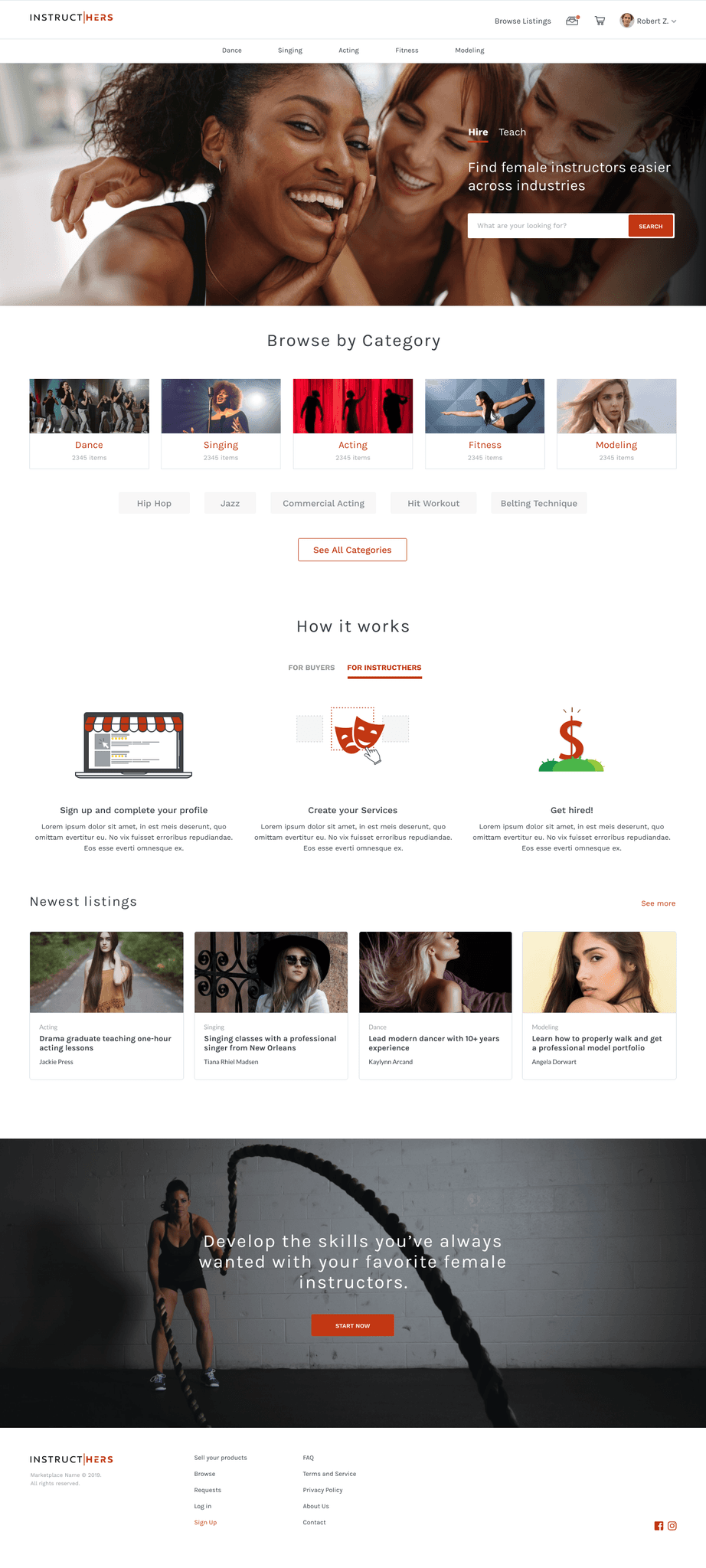
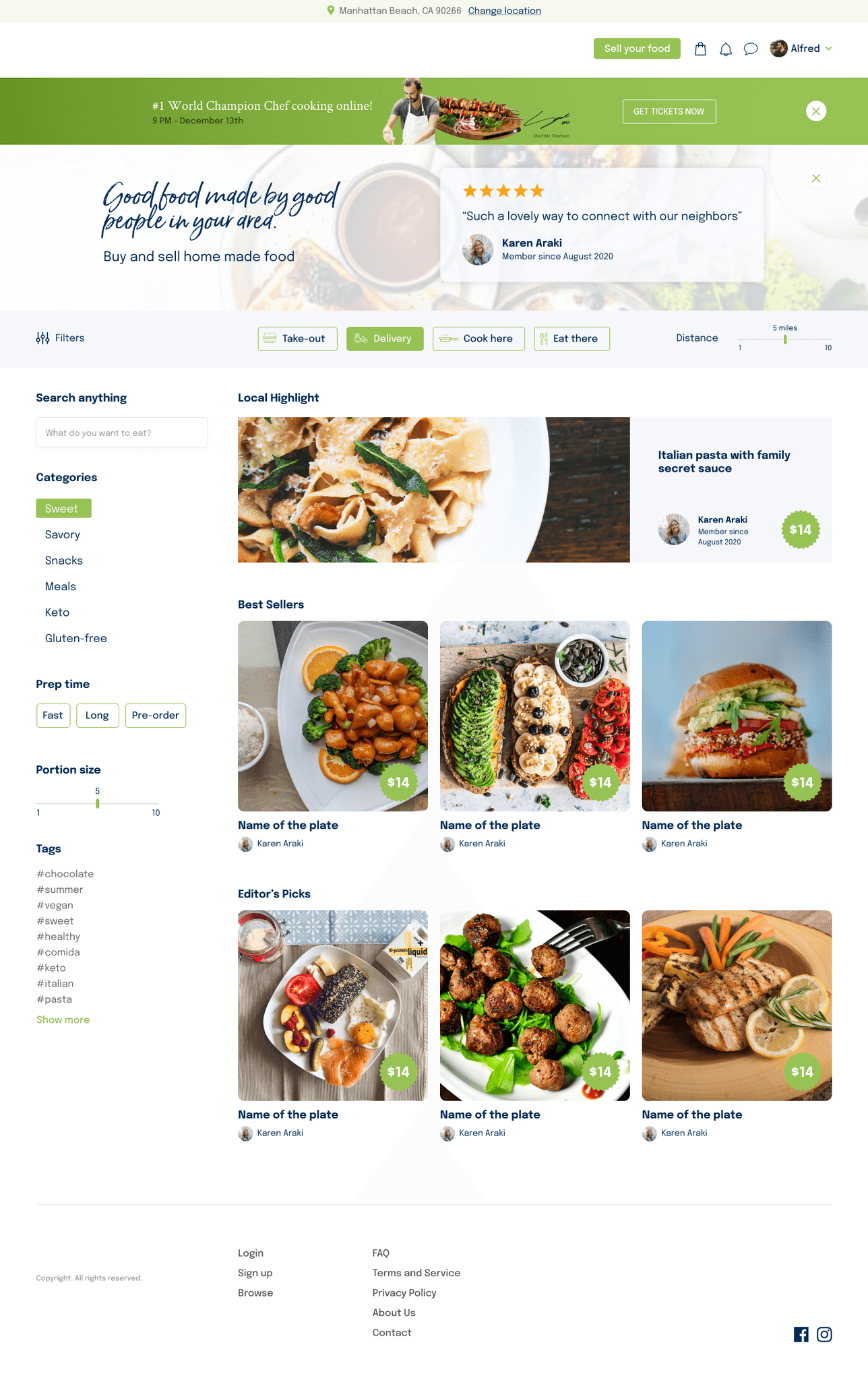
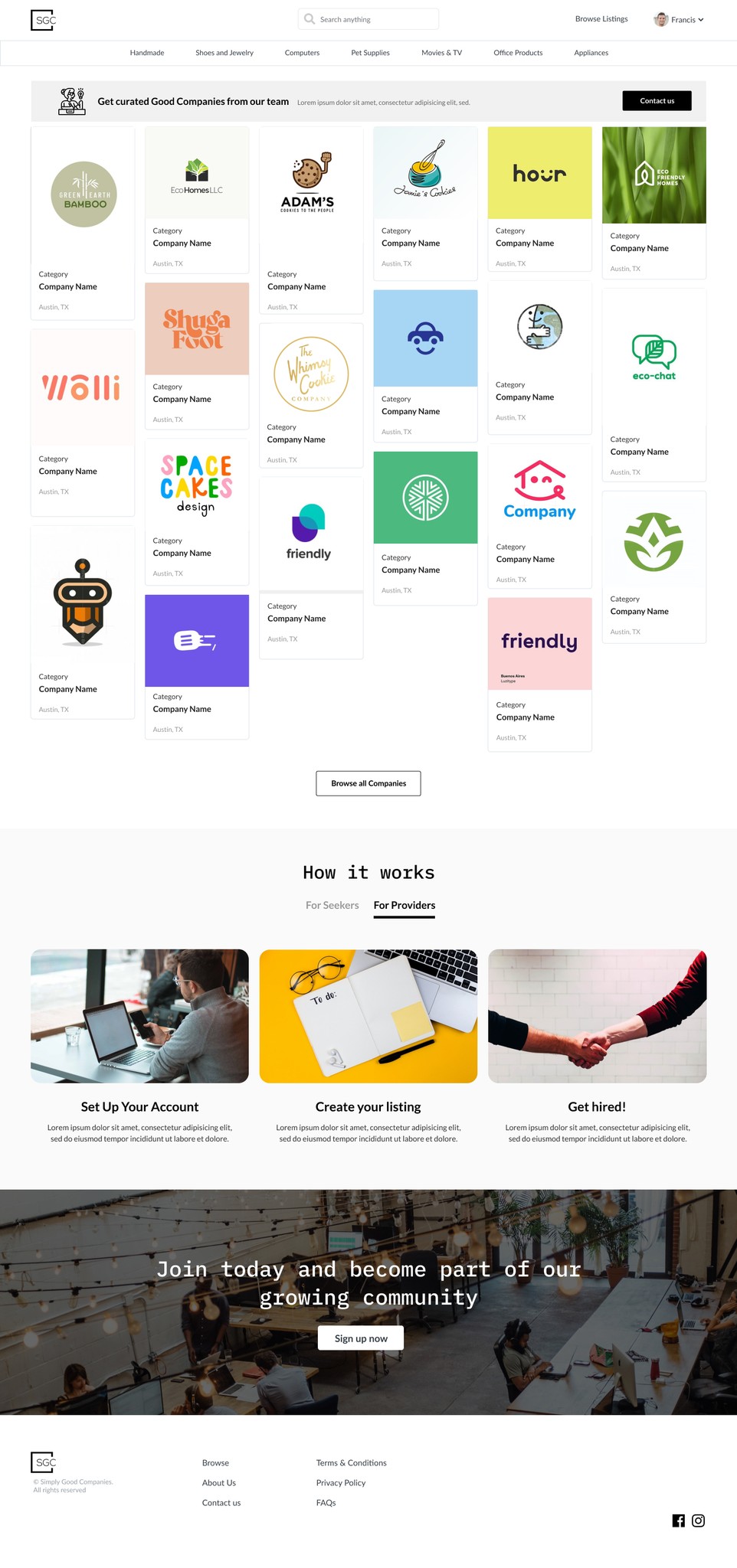
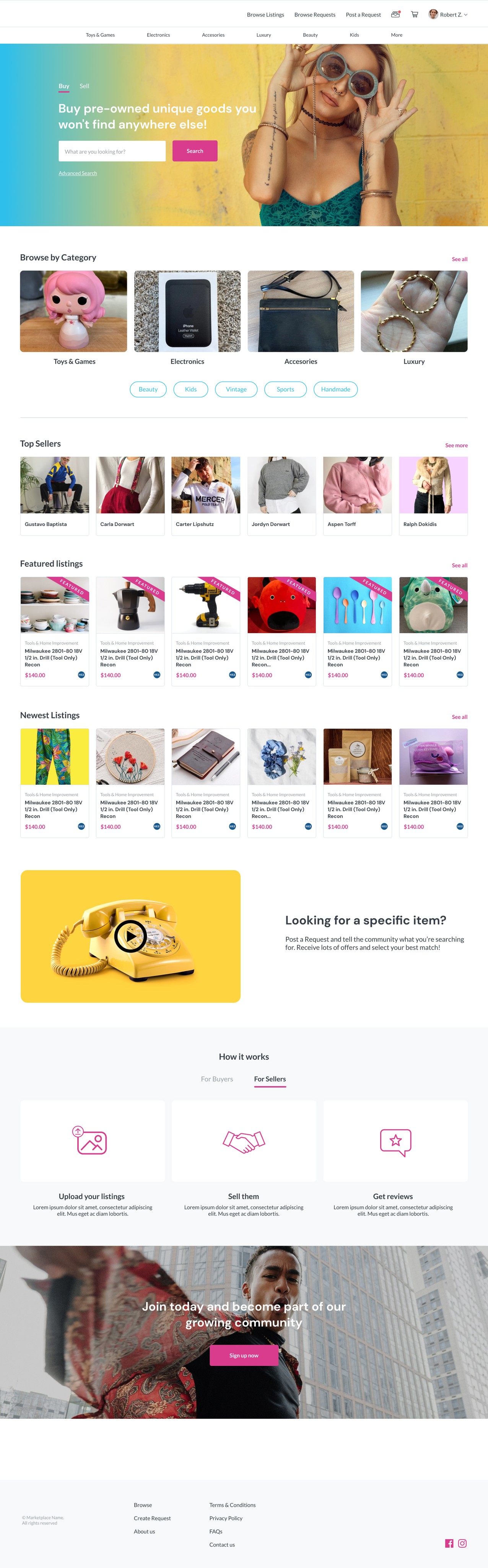
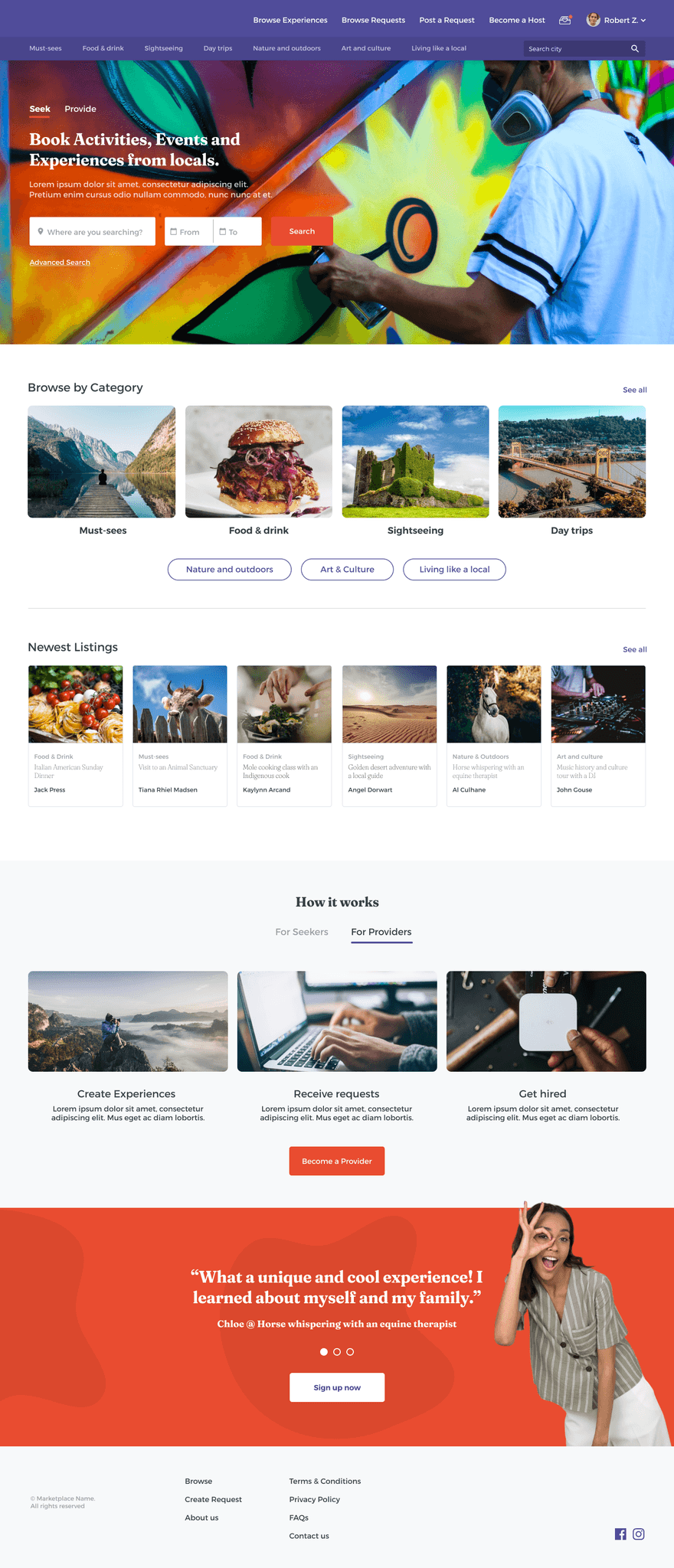
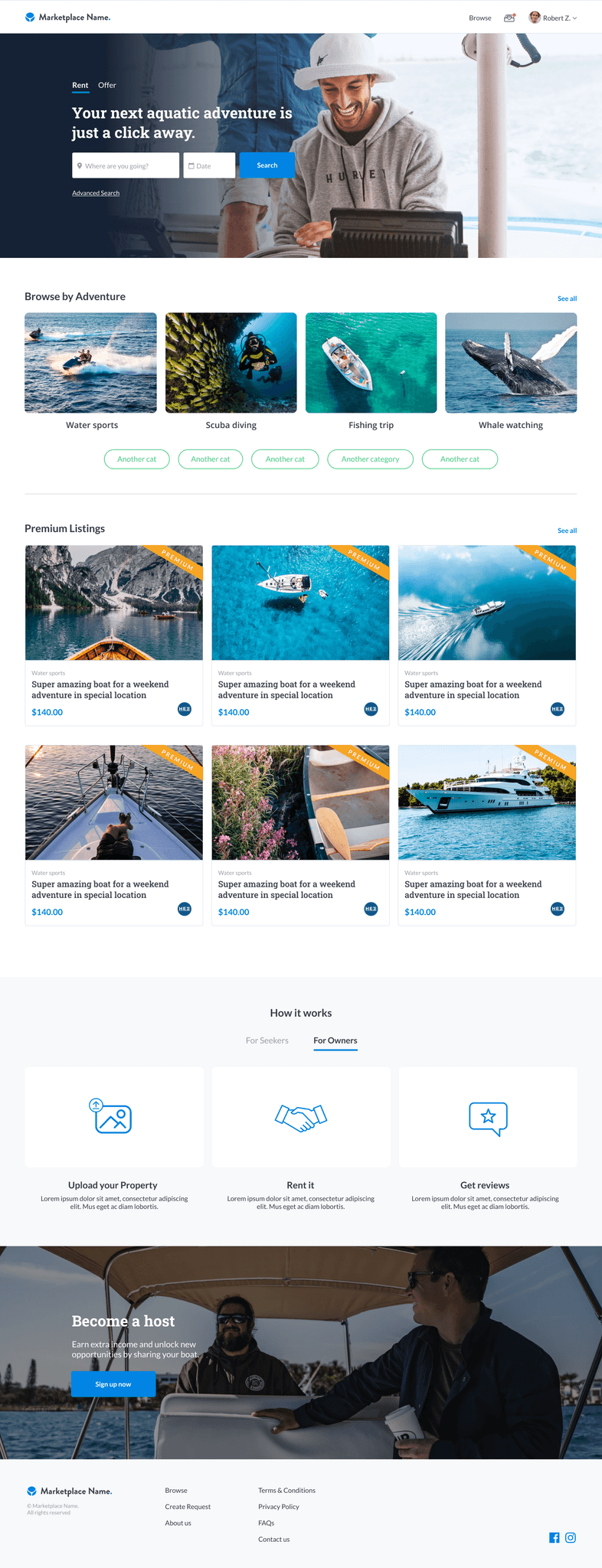
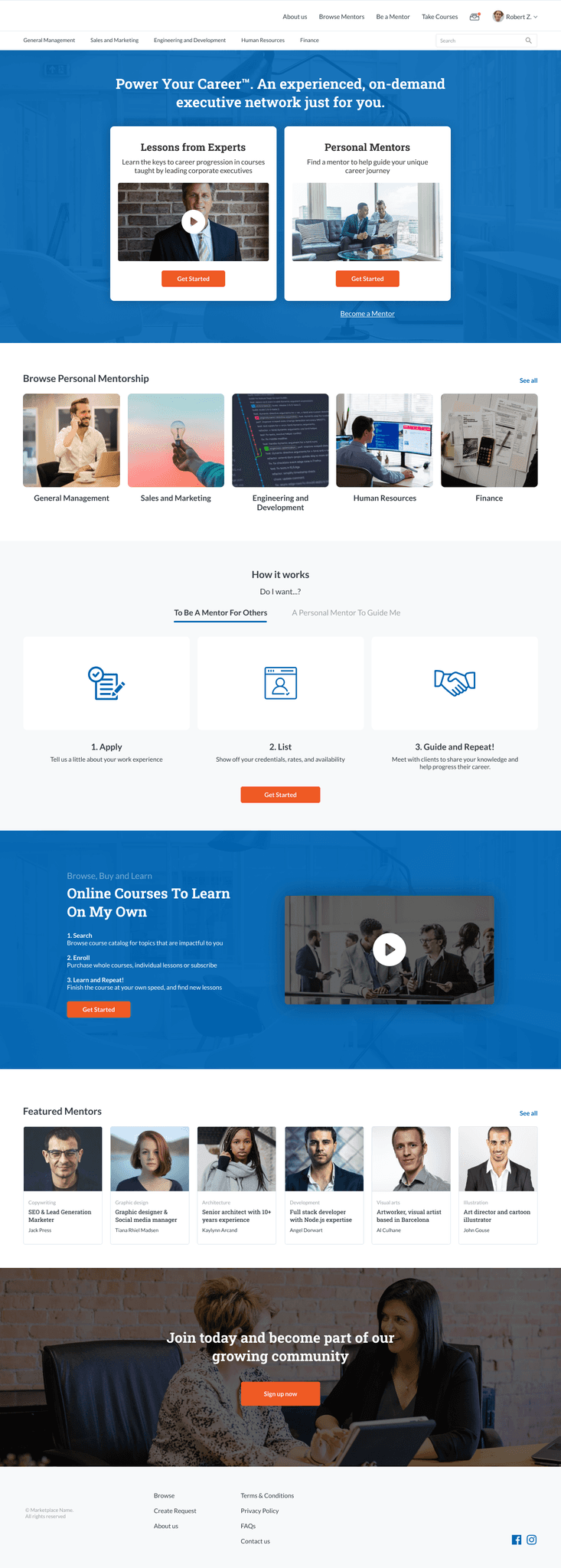
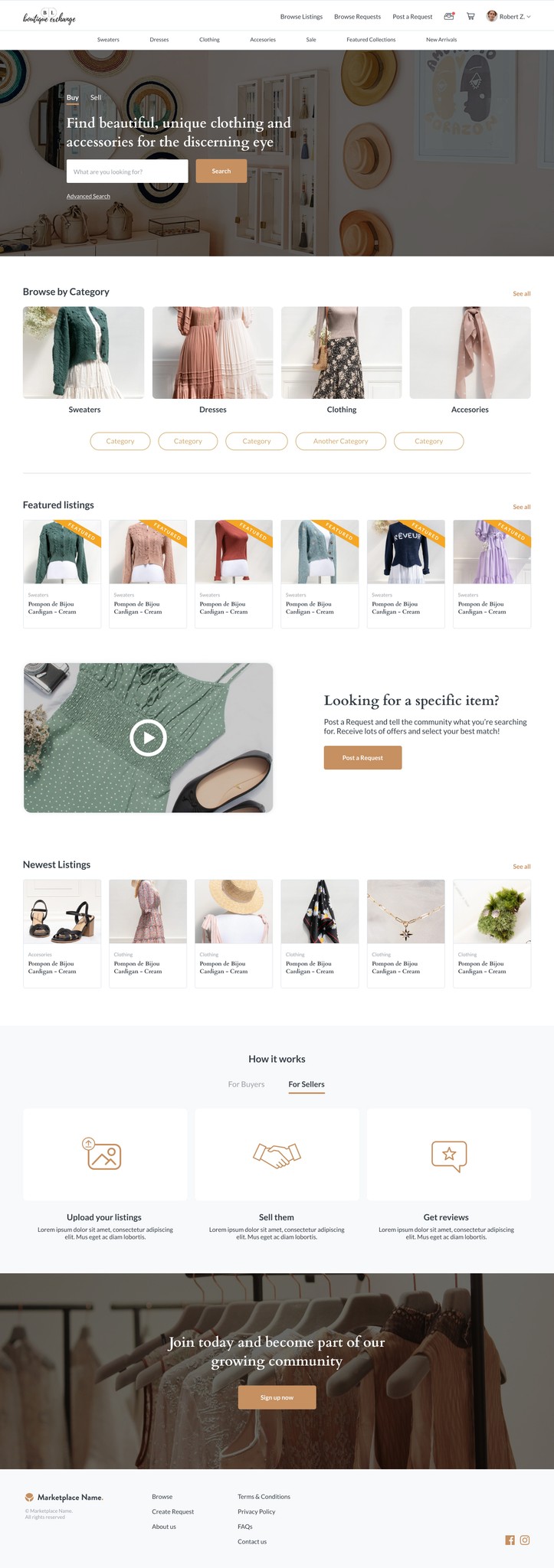
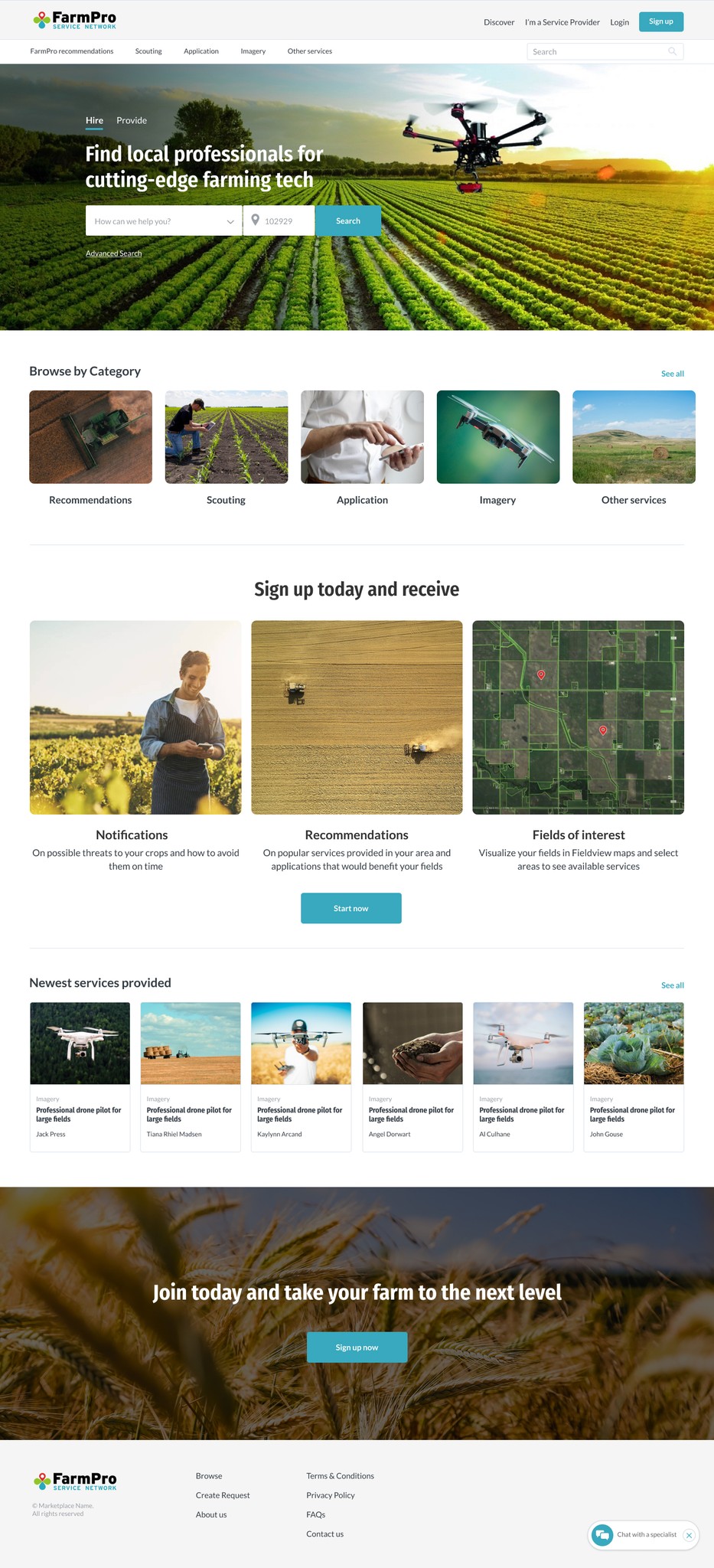
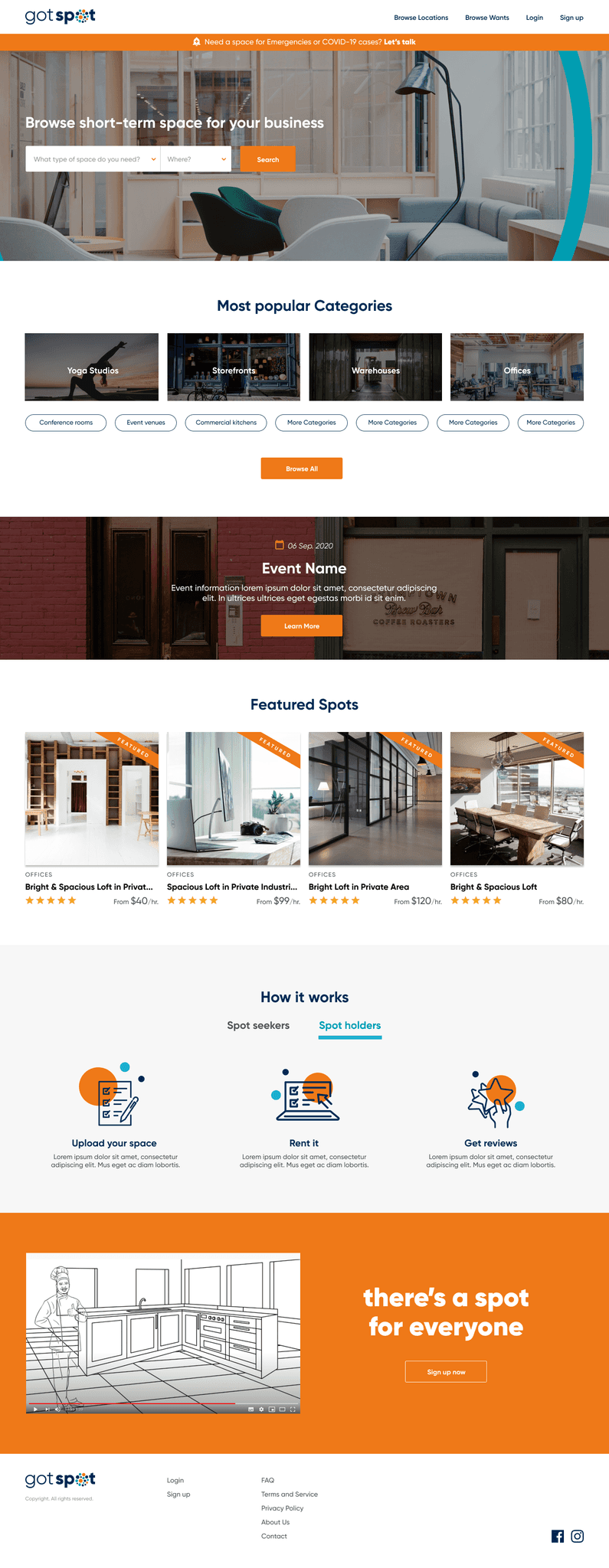
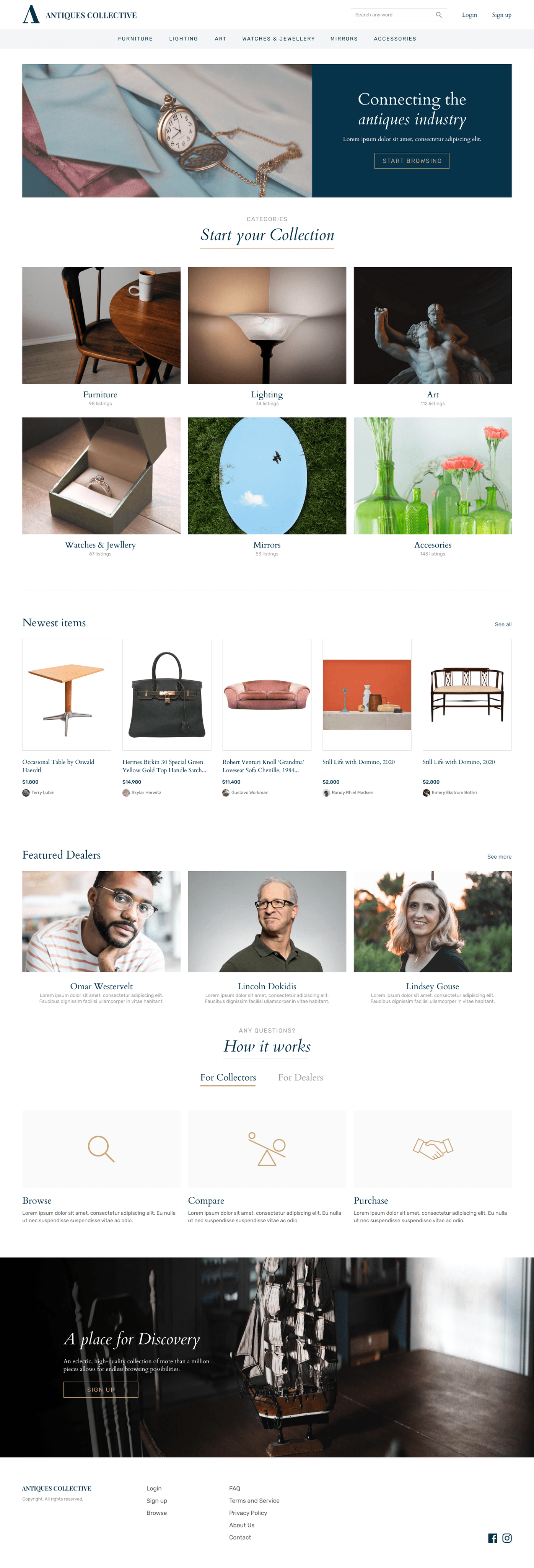
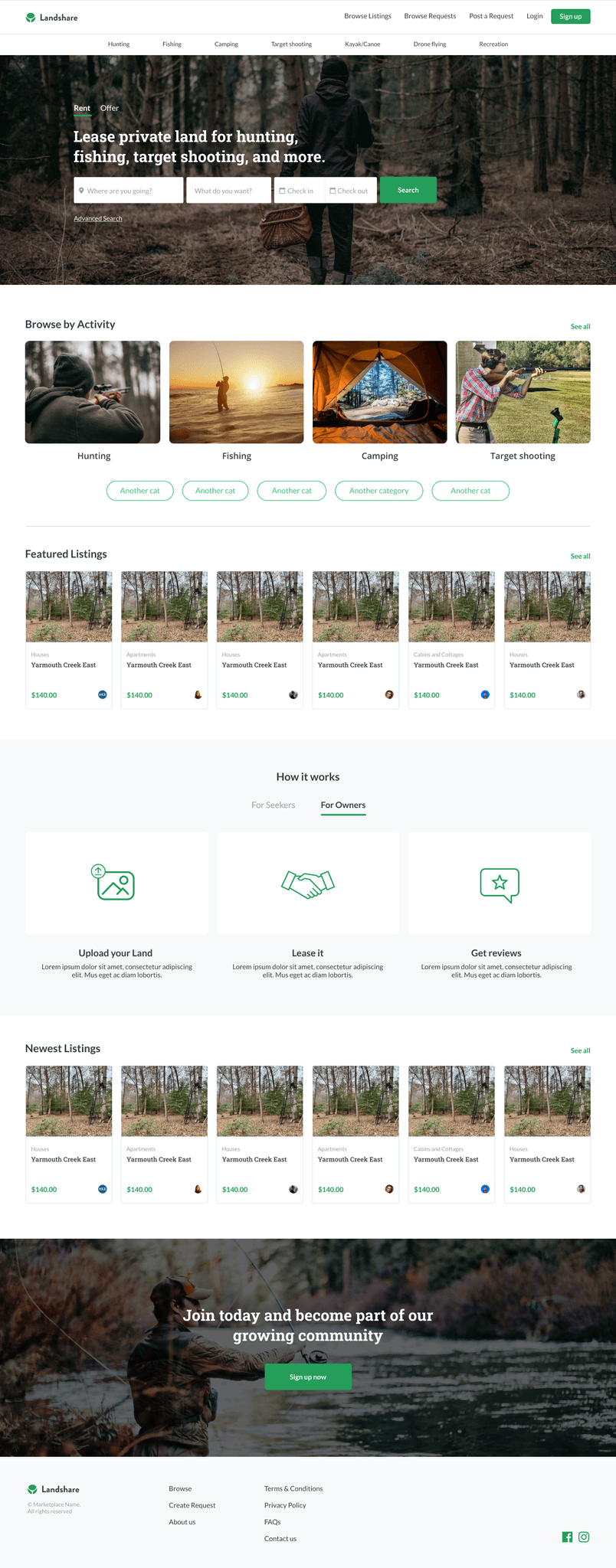
We identified three major market needs and used these to create different marketplace templates: Products, Services, and Rentals.
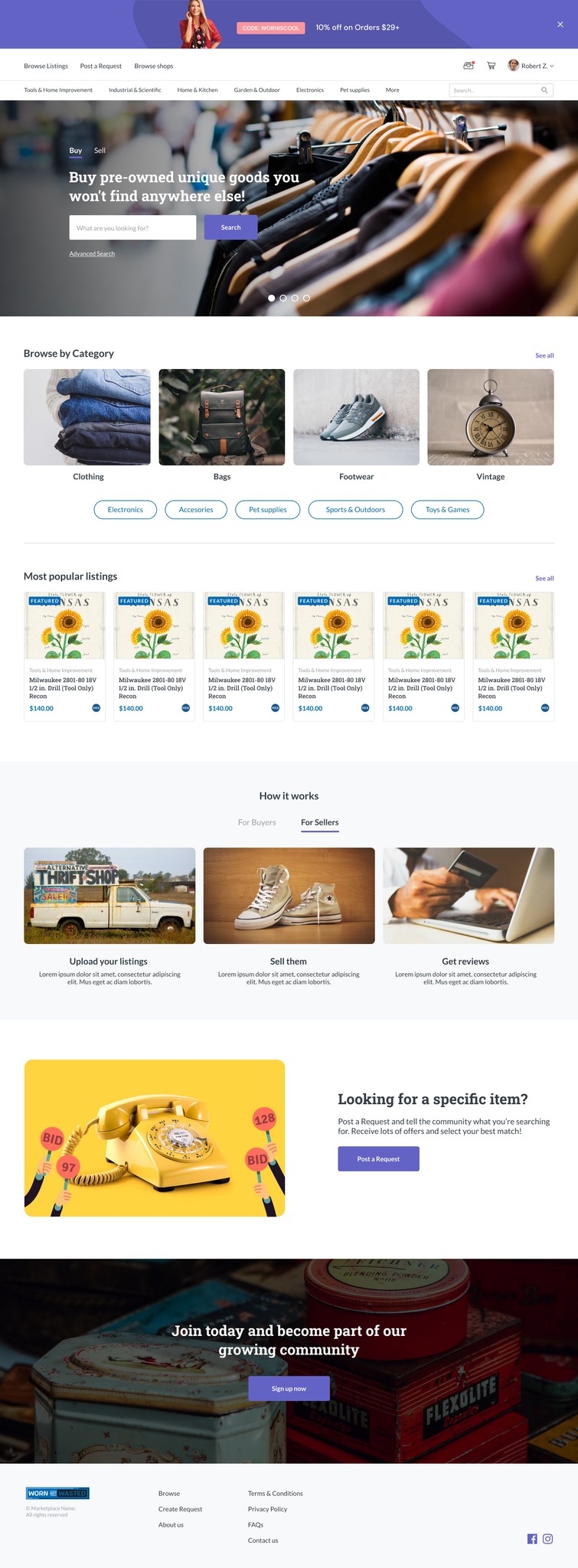
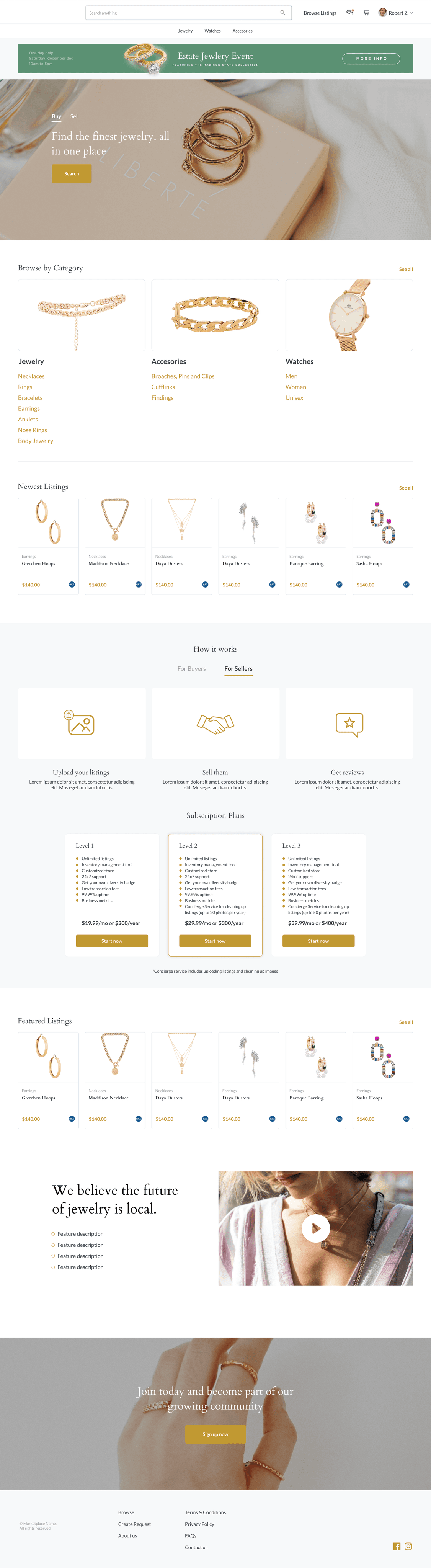
Products template
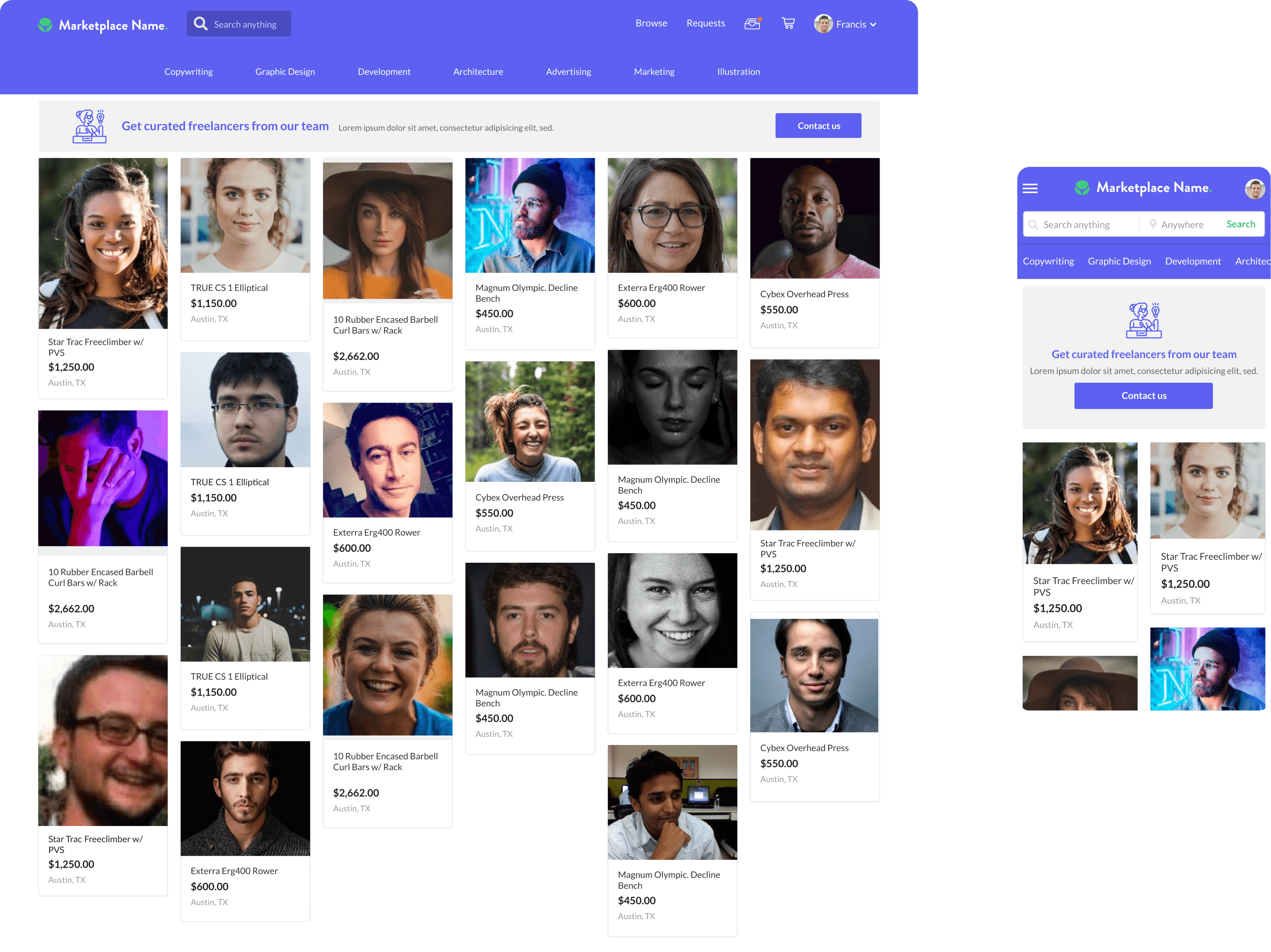
Services template
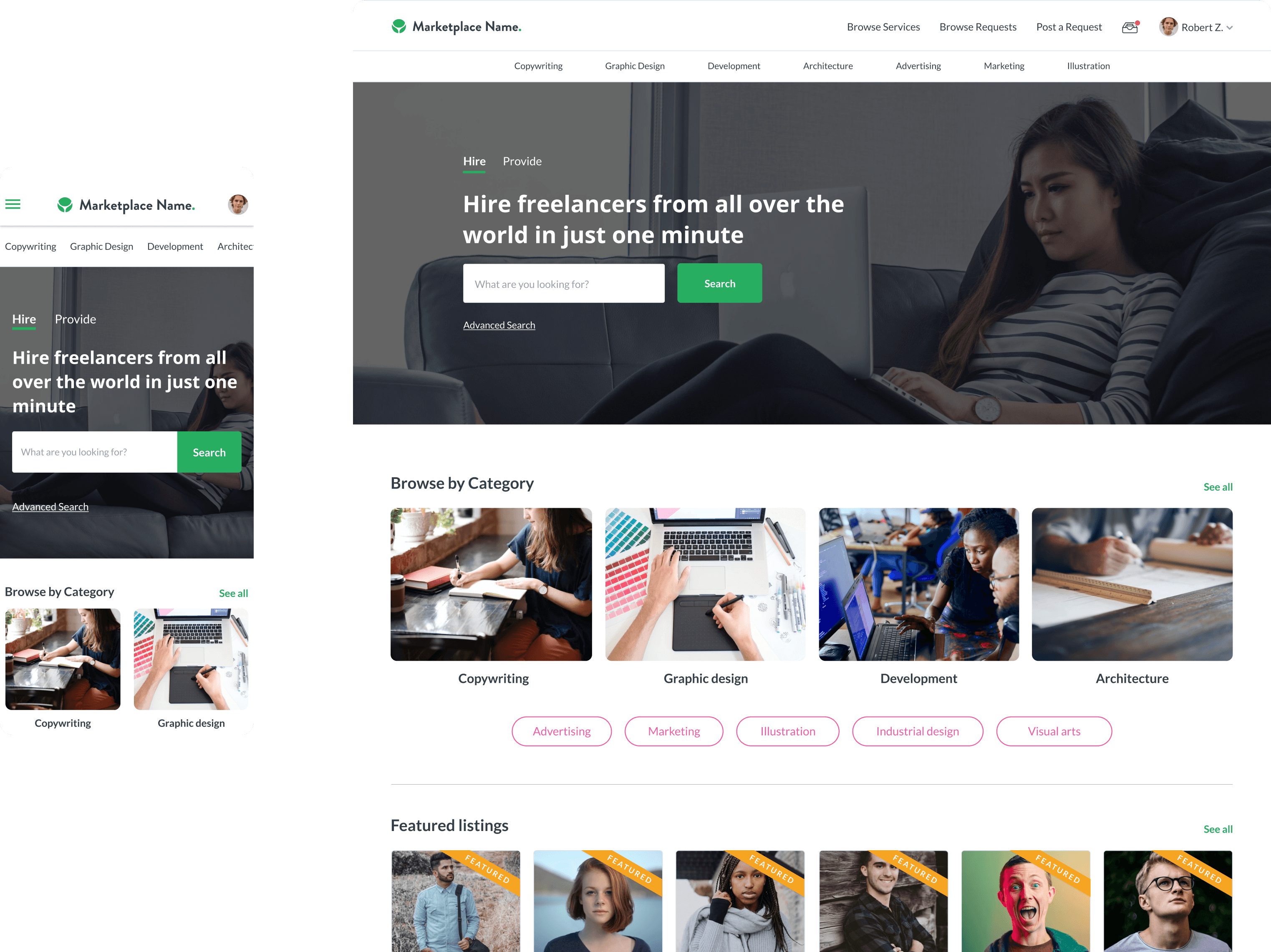
Rental template
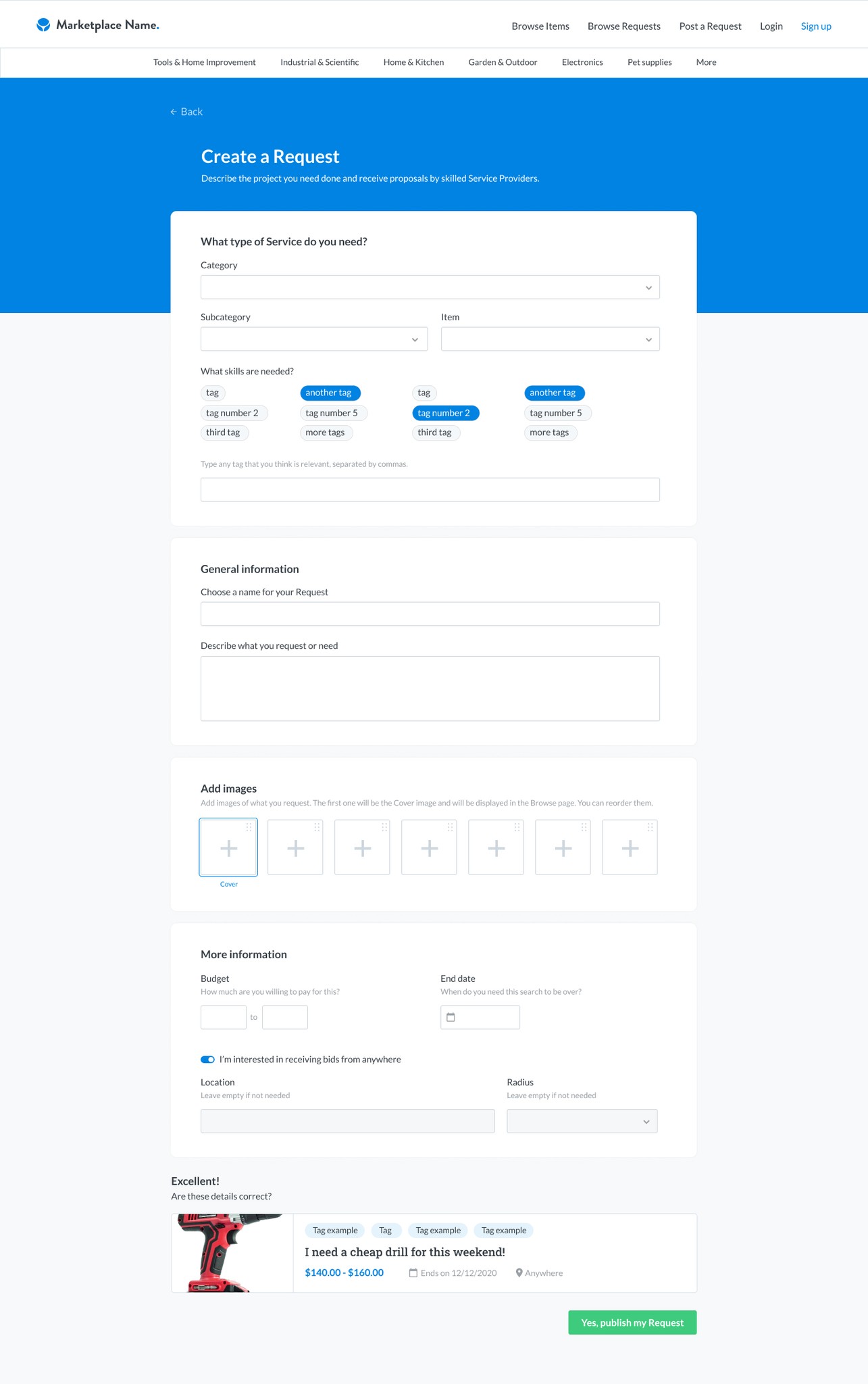
Listing page - Products
Listing page - Services
Listing page - Rentals
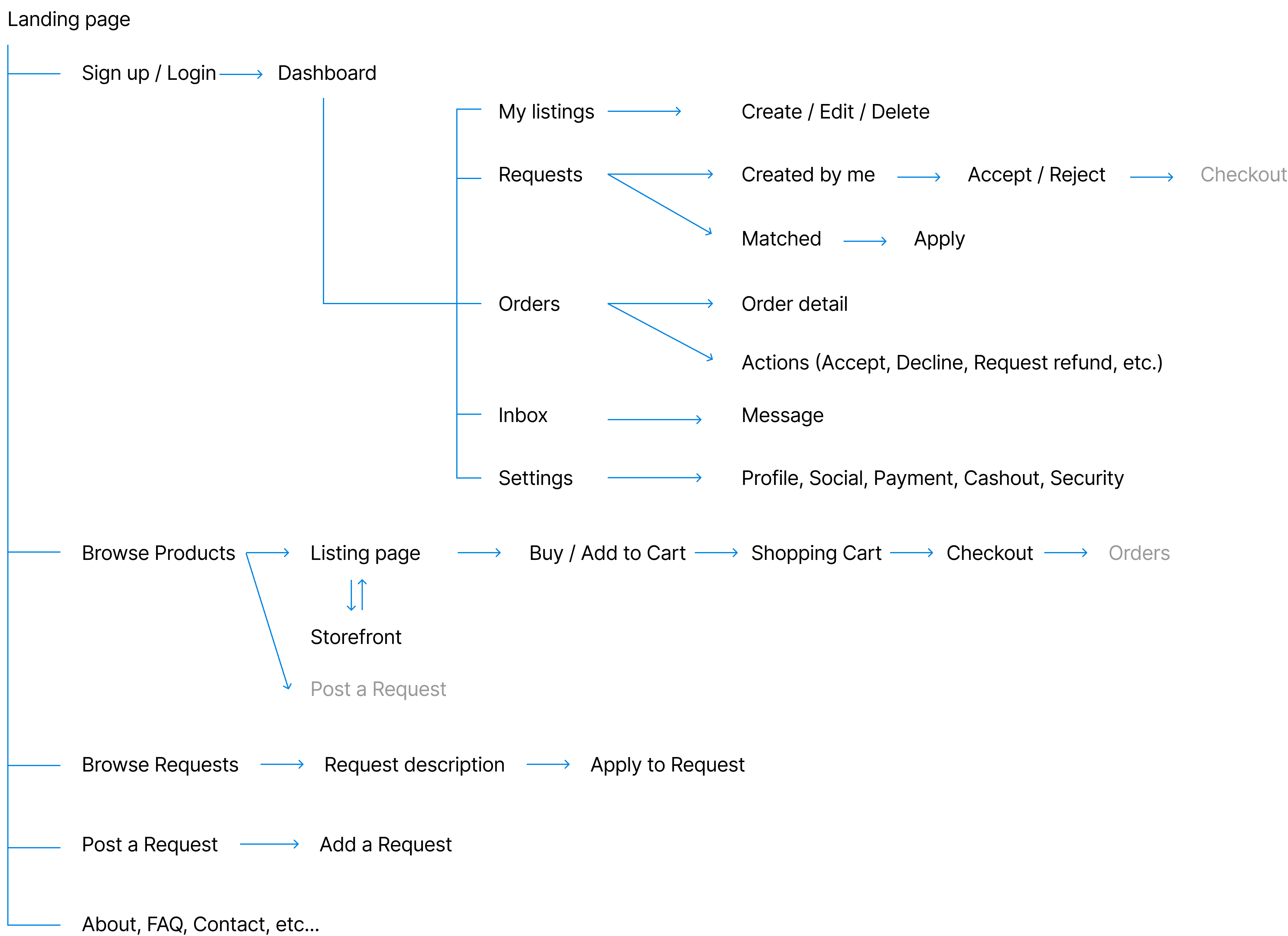
Main sections of the Standard version are:
Homepage
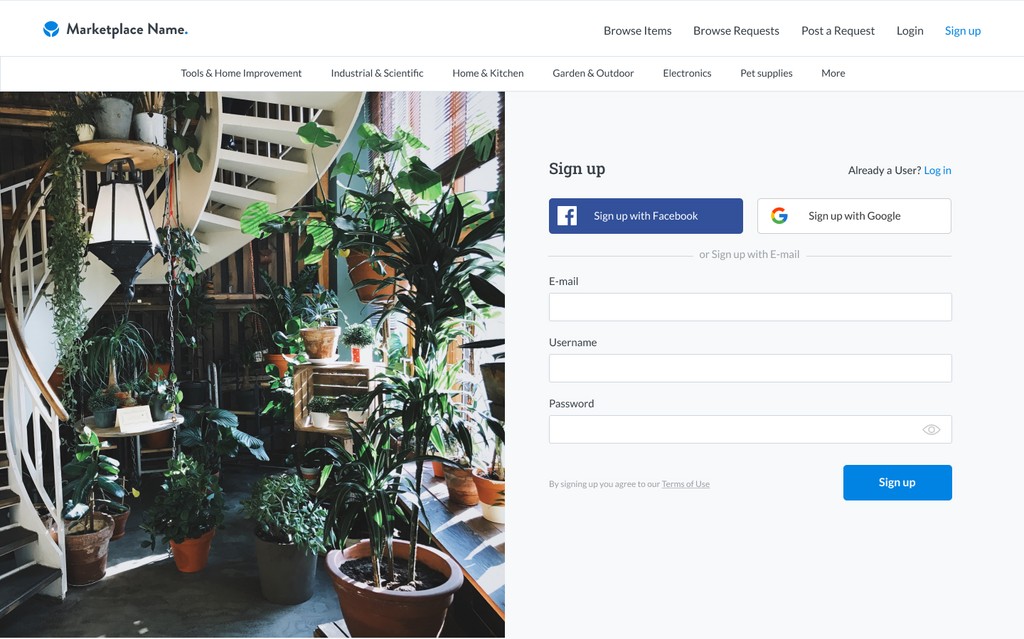
Sign up / Login
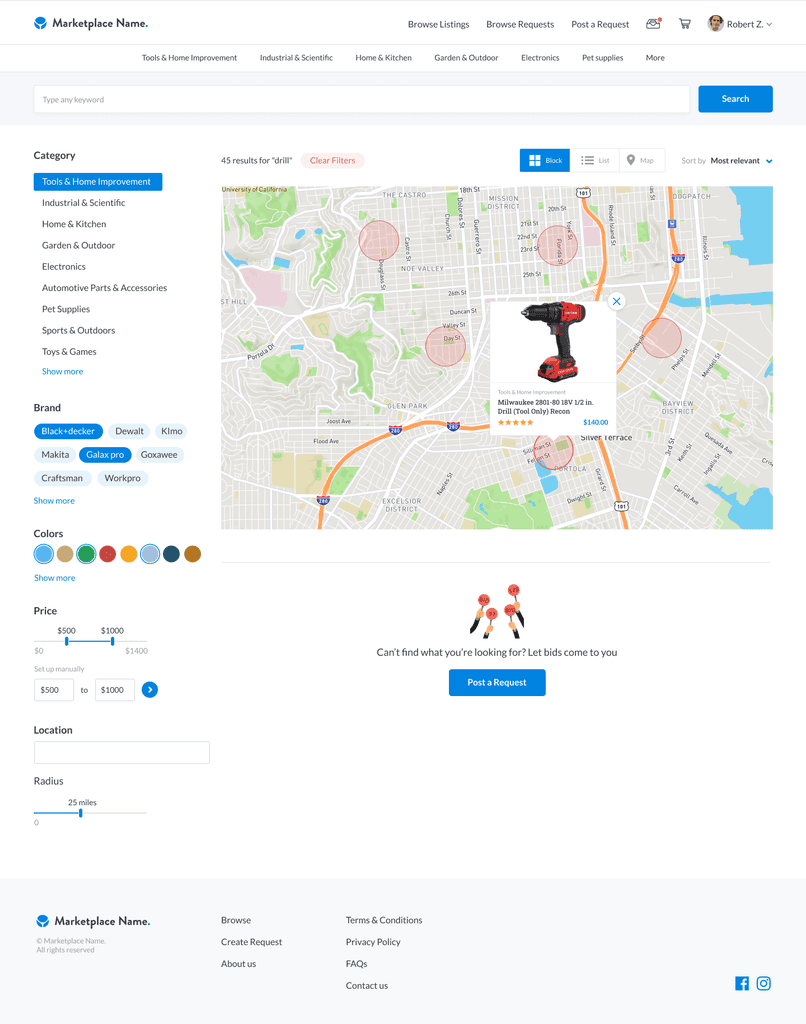
Browse
Listing page
Inbox
Messages
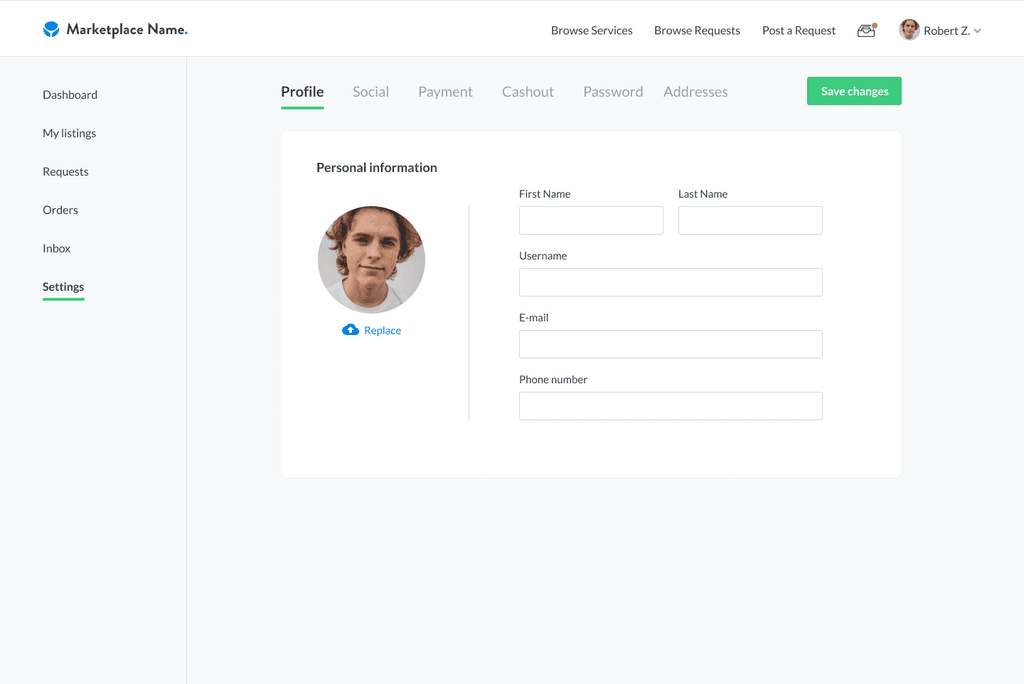
Dashboard
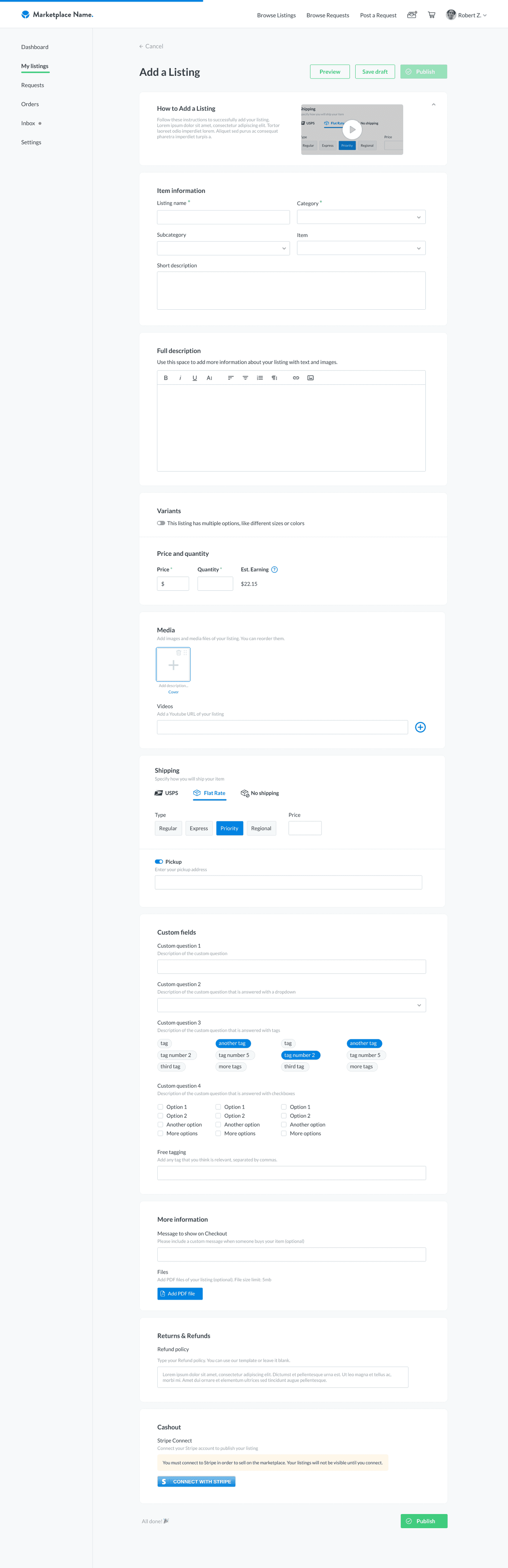
Upload listing
Reviews
Shopping Cart
Checkout
Shipping
Wants / Requests
Terms of service
About us
Contact
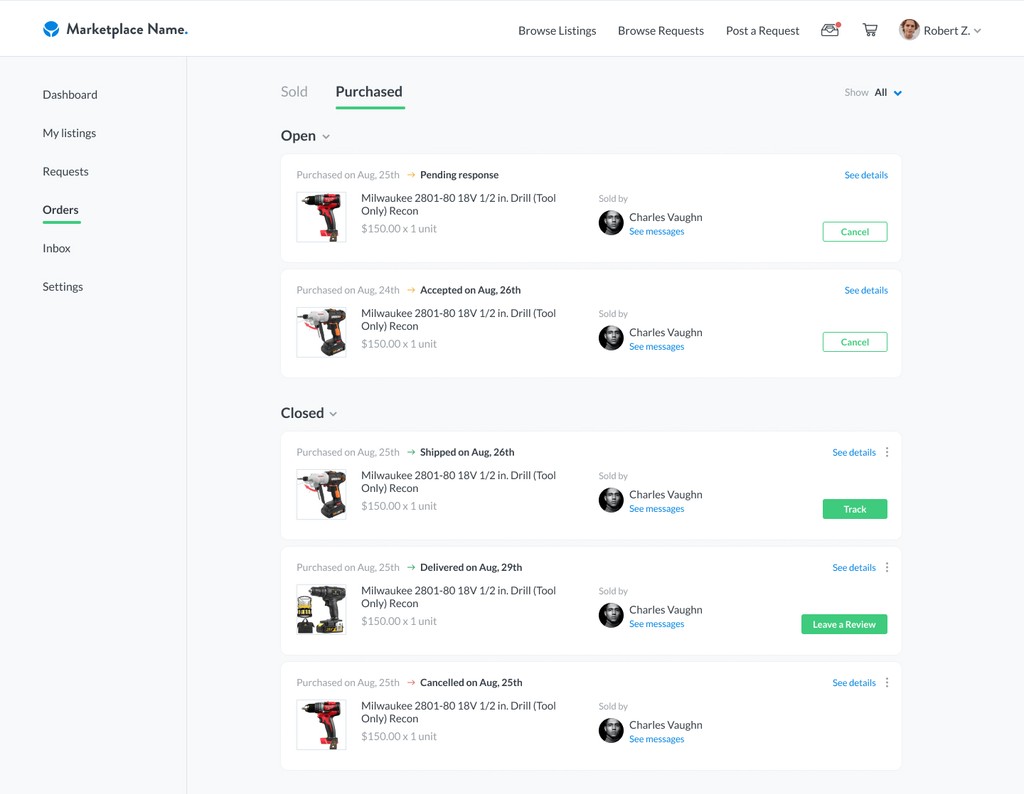
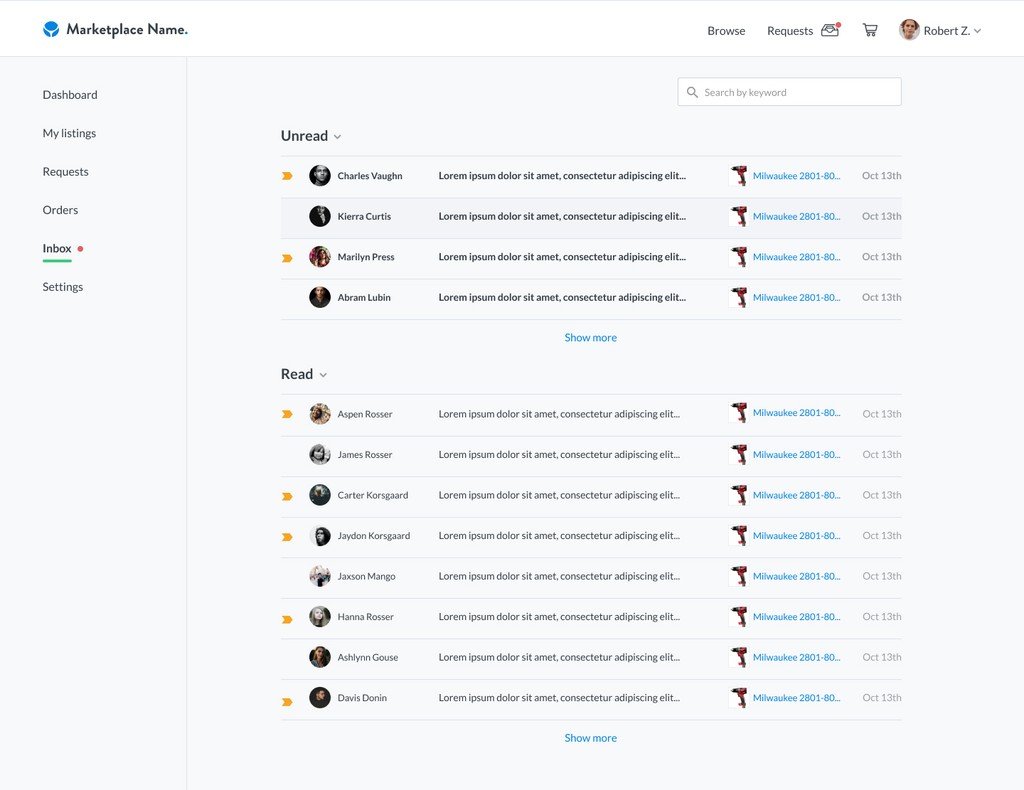
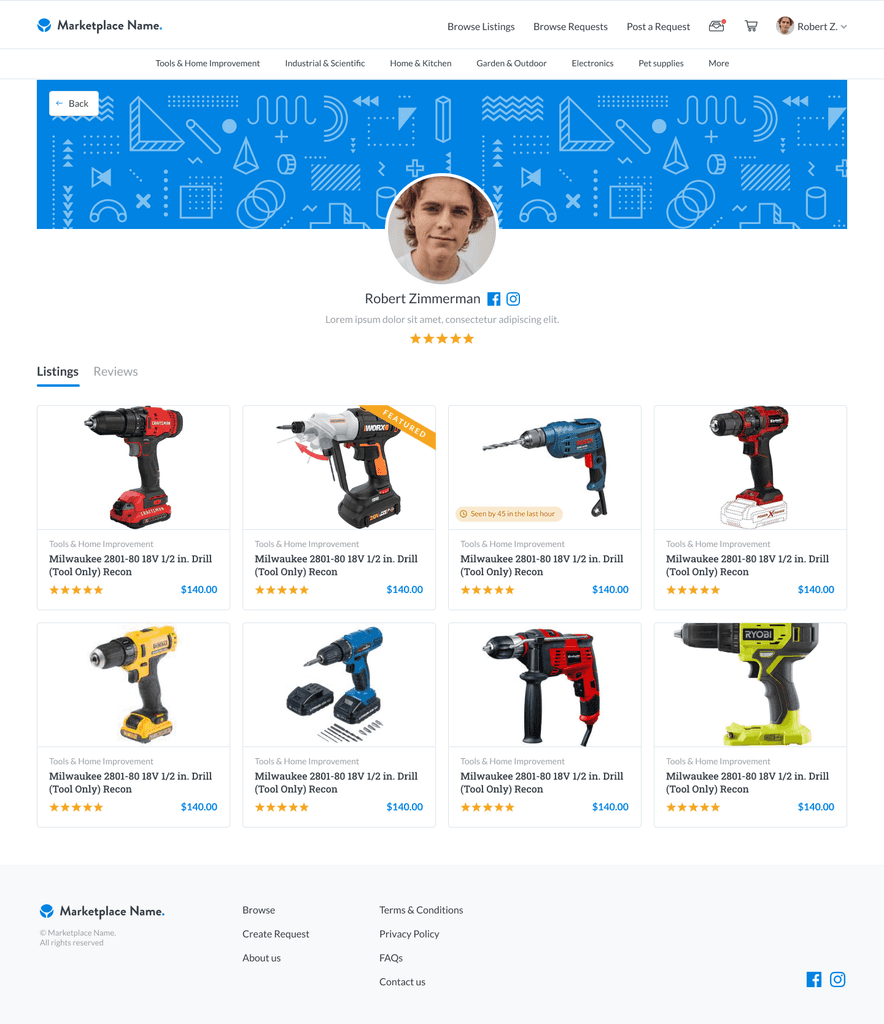
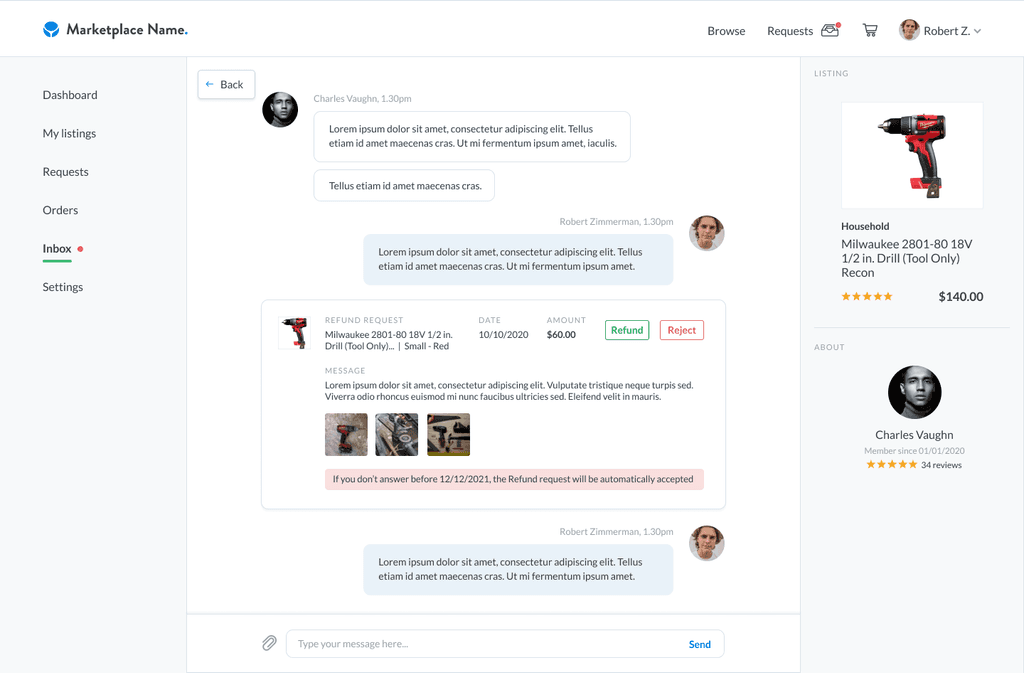
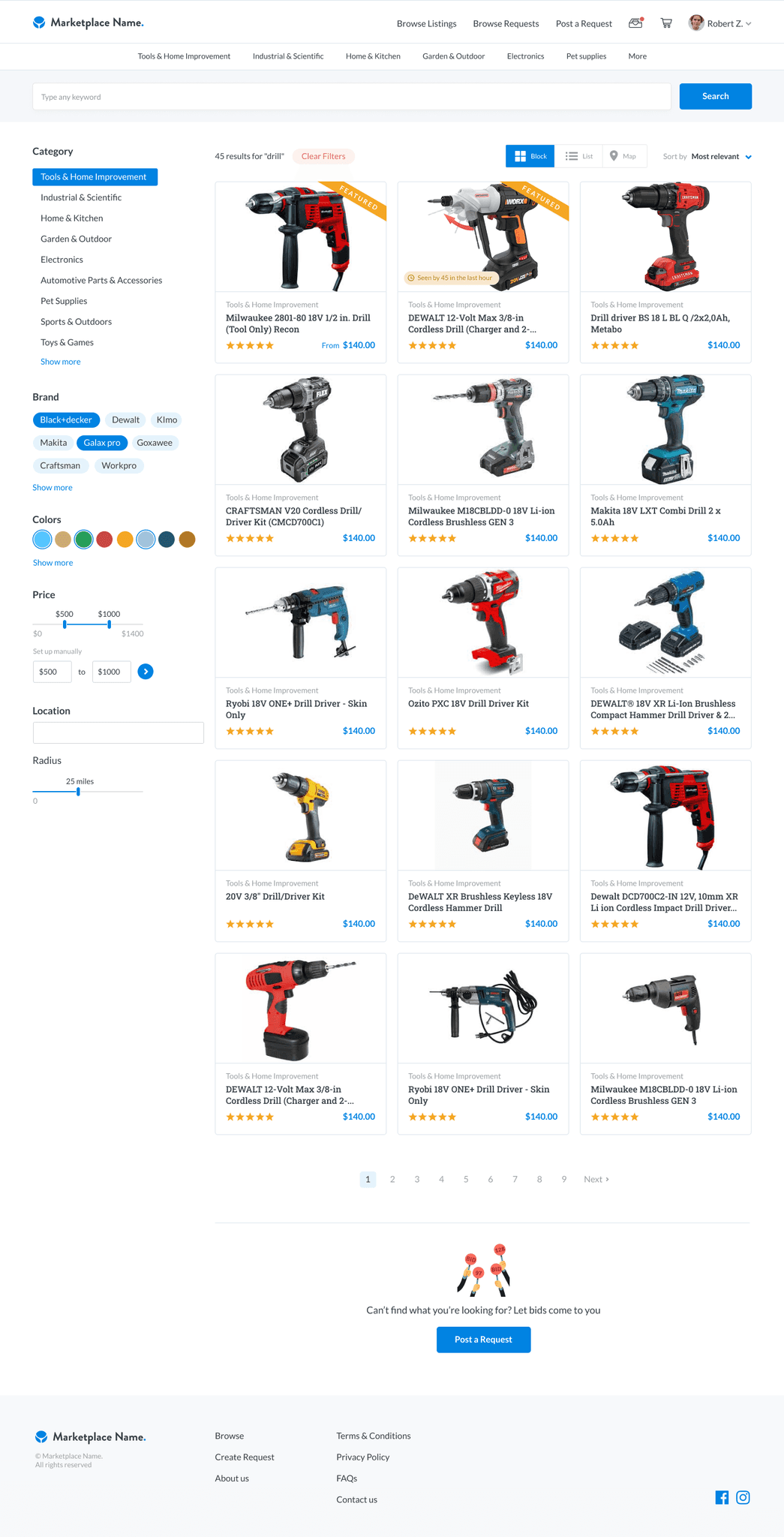
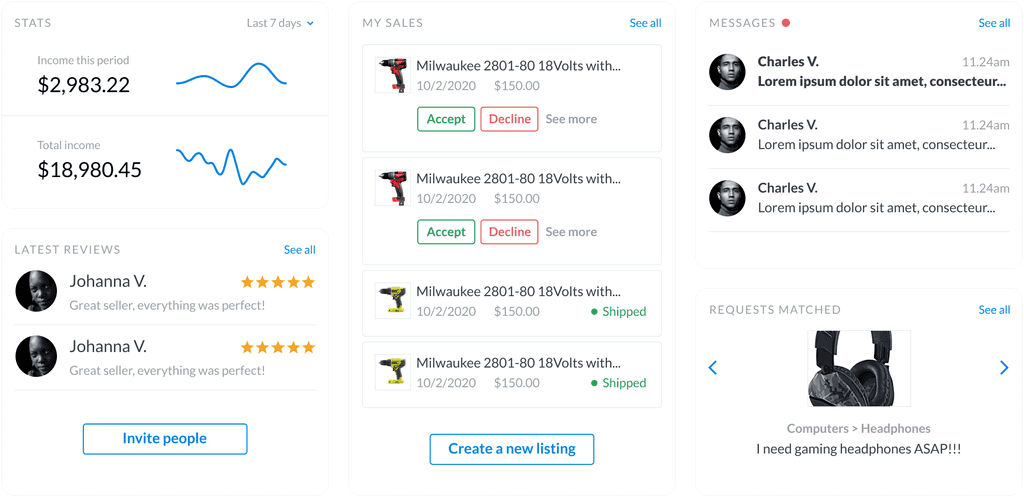
Seller's Dashboard
Custom Solutions through Add-Ons
The short version
Problem:
Users had varying needs that couldn't be fully addressed by the standard marketplace.
Solution:
Created over 200 pre-made add-ons and offered 30-hour discovery workshops for highly specific needs.
Impact:
Provided a customizable experience that could be easily tailored to individual user requirements.
My Strategy:
Conducted discovery workshops and designed a wide range of add-ons to ensure the platform could be personalized for different users.
02
Through discovery workshops, we listened to user needs and created custom features.
These can be easily integrated into our Standard marketplace template, whether it's for Products, Services, or Rentals.
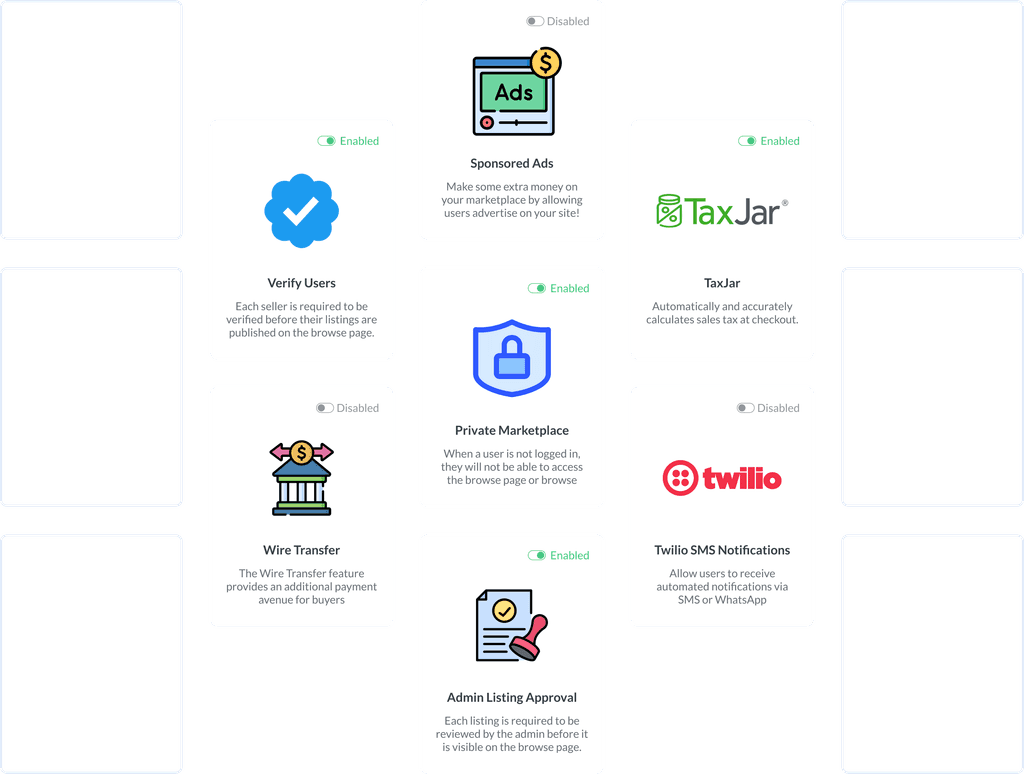
In addition to the Standard version, customers can browse and activate over 200 pre-made Add-ons. These were collaboratively designed and validated by us and our Enterprise clients.
In this manner, we created an Add-on catalog that mass-market users can access. They can select and purchase according to their individual needs.
For very specific needs, we conduct a 30-hour discovery workshop. This includes showcasing the Standard version, understanding customer needs, and proposing suitable design solutions.
Examples of Add-ons
Enterprise Client Collaboration
The short version
Problem:
Enterprise clients needed custom features and designs.
Solution:
Used adaptable templates to create unique sites for over 70 enterprise clients.
Impact:
Developed scalable solutions that could be repurposed for a broader audience.
My Strategy:
Collaborated closely with enterprise clients to co-create custom solutions, enhancing the platform's flexibility and scalability.
03
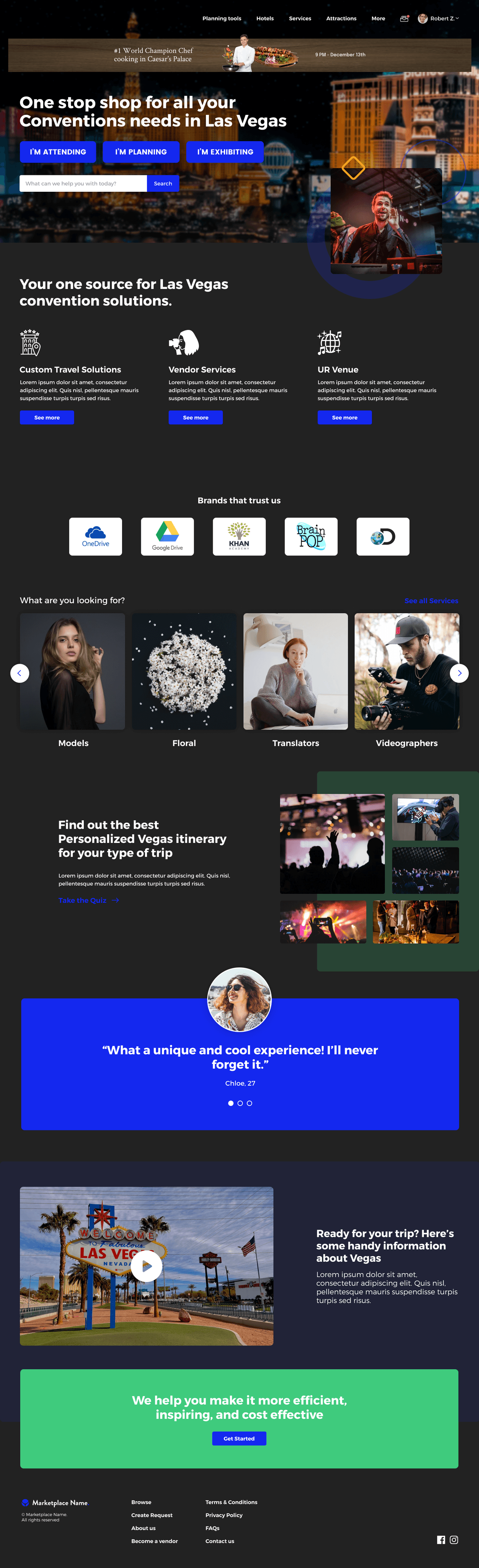
Enterprise clients often require additional custom features and designs. Creating a unique site for them wasn't challenging, thanks to our highly adaptable templates.
We've collaborated with over 70 enterprise clients, each with unique business needs. This co-creation process enabled us to develop solutions that could scale to the mass market. We owned these features and could repurpose them for our broader audience.
Our clients ranged from Wholesale & Retail, Health, Education, Networking, Farming, Digital goods, Beauty, Music, Entertainment, Gaming, Sports, Tourism, Gastronomy, Jobs, Automotive, Outdoor activities, among others.
Our process was divided in 4 instances:
Discovery & Design:
We work with you to understand your marketplace requirements, priorities, and design preferences.
Build & Test:
We build and rigorously test your marketplace from start to finish, ensuring a smooth launch.
Launch & Support:
Our support team is available to help you with any issue that may arise during and after the launch.
Analyze & Strategize:
We will set up the analytics and KPIs for your success, as well as other important metrics.
Comprehensive Admin Panel
The short version
Problem:
Managing numerous marketplace settings efficiently.
Solution:
Developed a Dashboard panel that centralizes metrics, user information, design options, and other settings.
Impact:
Enabled admins to onboard quickly and customize their marketplaces with ease.
My Strategy:
Designed an intuitive admin panel that simplifies marketplace management through a user-friendly, no-code interface.
04
Hundreds of marketplace settings, one Admin Panel to rule them all
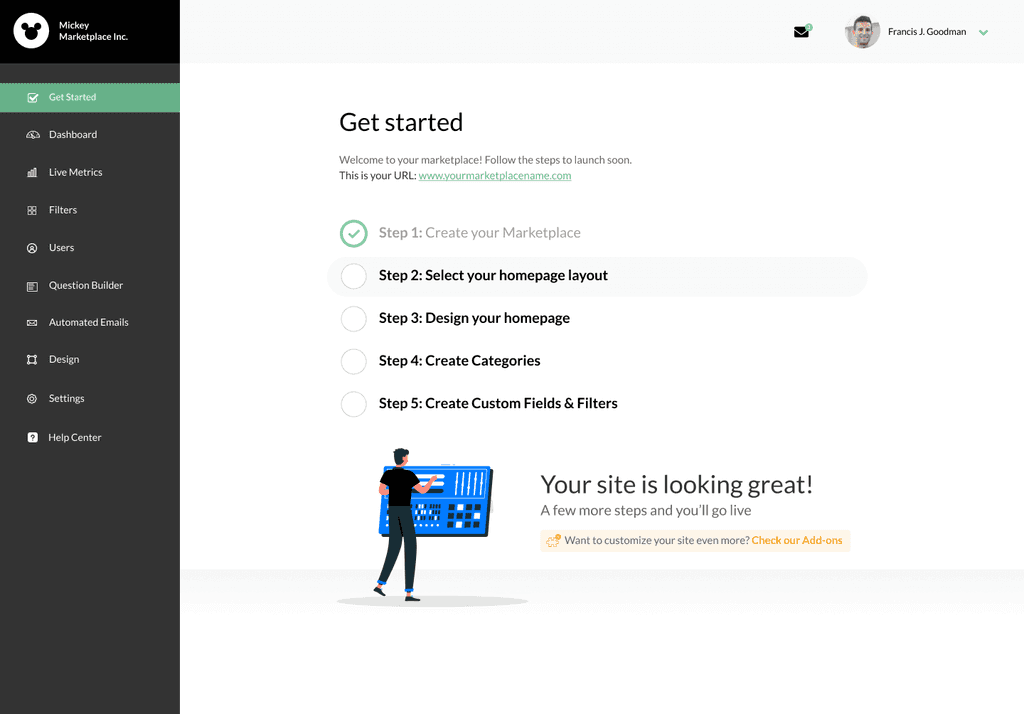
We have developed a Dashboard panel that manages Metrics, User information, Design options, and other Settings. Admins are onboarded through a concise 10-step process that allows their marketplace to be operational immediately.
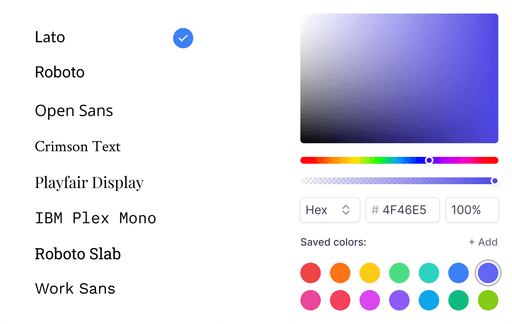
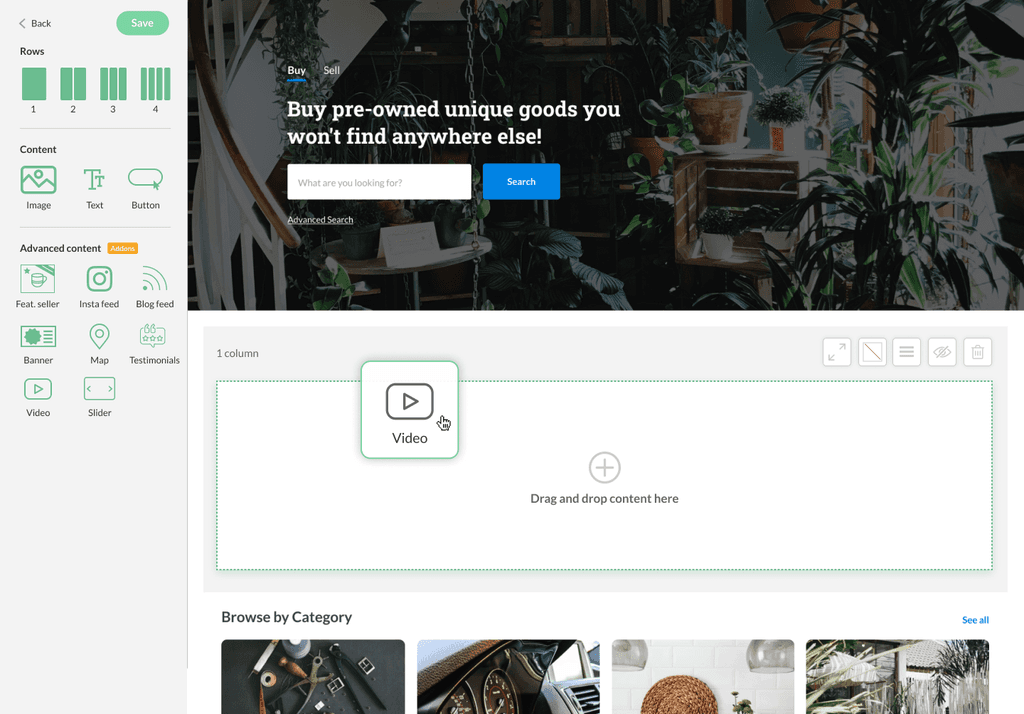
Since we offer a no-code solution, they can customize their site design by dragging and dropping components onto a layout, and adding images, text, sliders, links, and more.
Admin onboarding
Primary & Secondary Font and Color selection
Main Admin dashboard
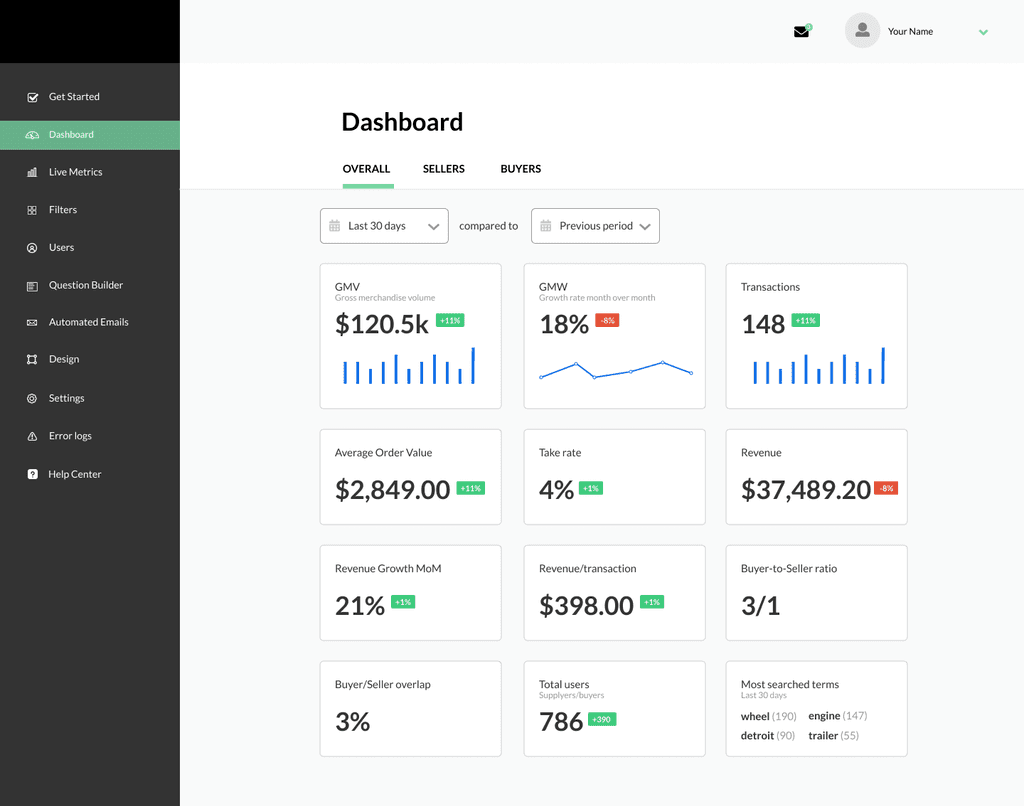
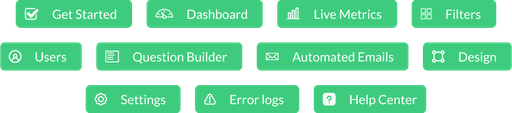
Admin sections
Drag & drop tool to customize landing page
05
Reflections
While discovery workshops were effective, deeper user research could have revealed more specific needs and preferences. More in-depth user insights would have allowed us to tailor our solutions even better to meet diverse customer requirements.
Our extensive add-on catalog was beneficial, but ensuring each add-on integrates seamlessly into various templates can be challenging. Focusing on making these integrations smoother and more intuitive could enhance user satisfaction and ease of use.
The admin panel was designed to be user-friendly, but continuous user training and support are essential. Providing ongoing education and resources can help users maximize the platform’s potential and ensure their marketplaces run smoothly.
06