Create with AI
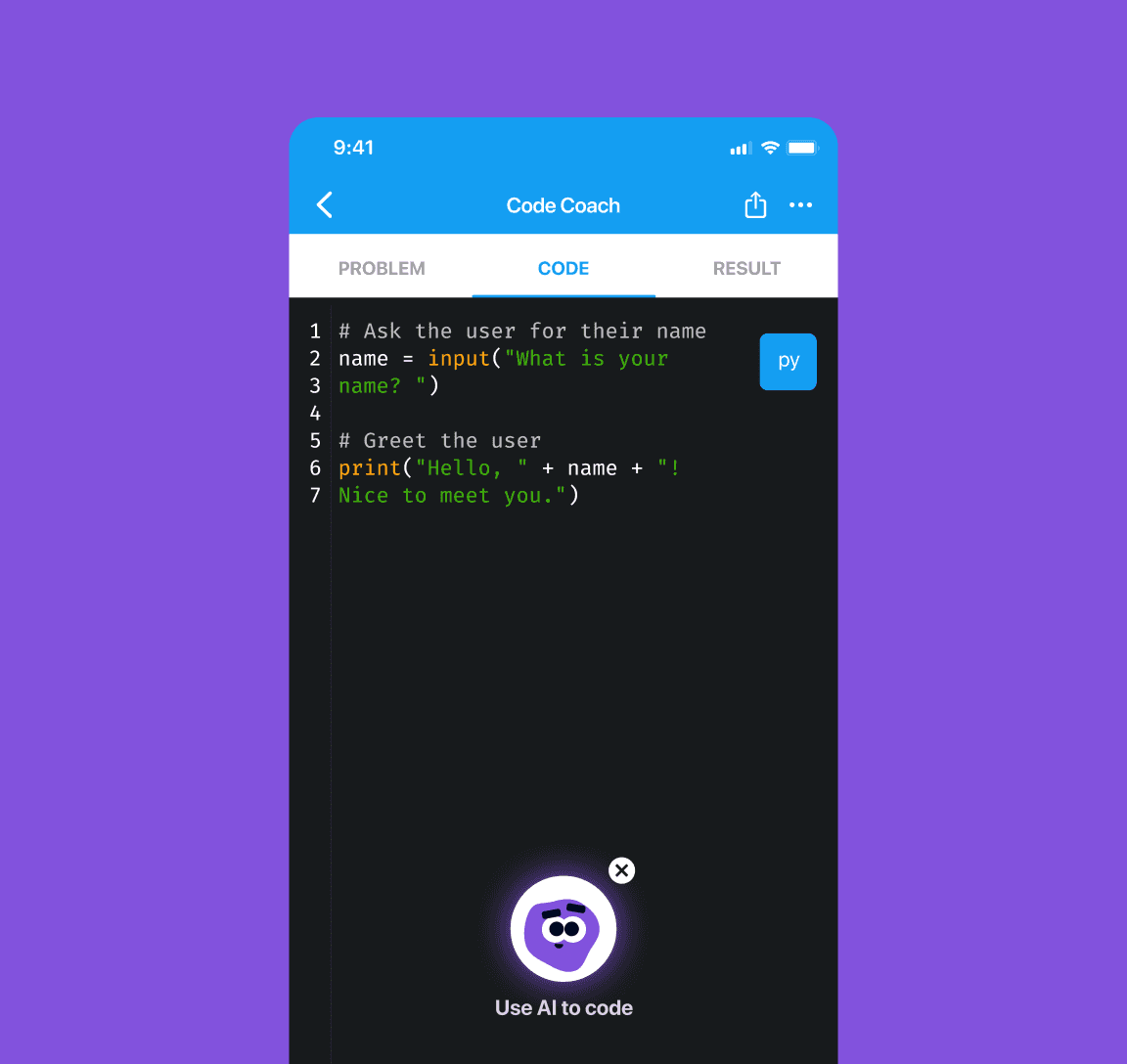
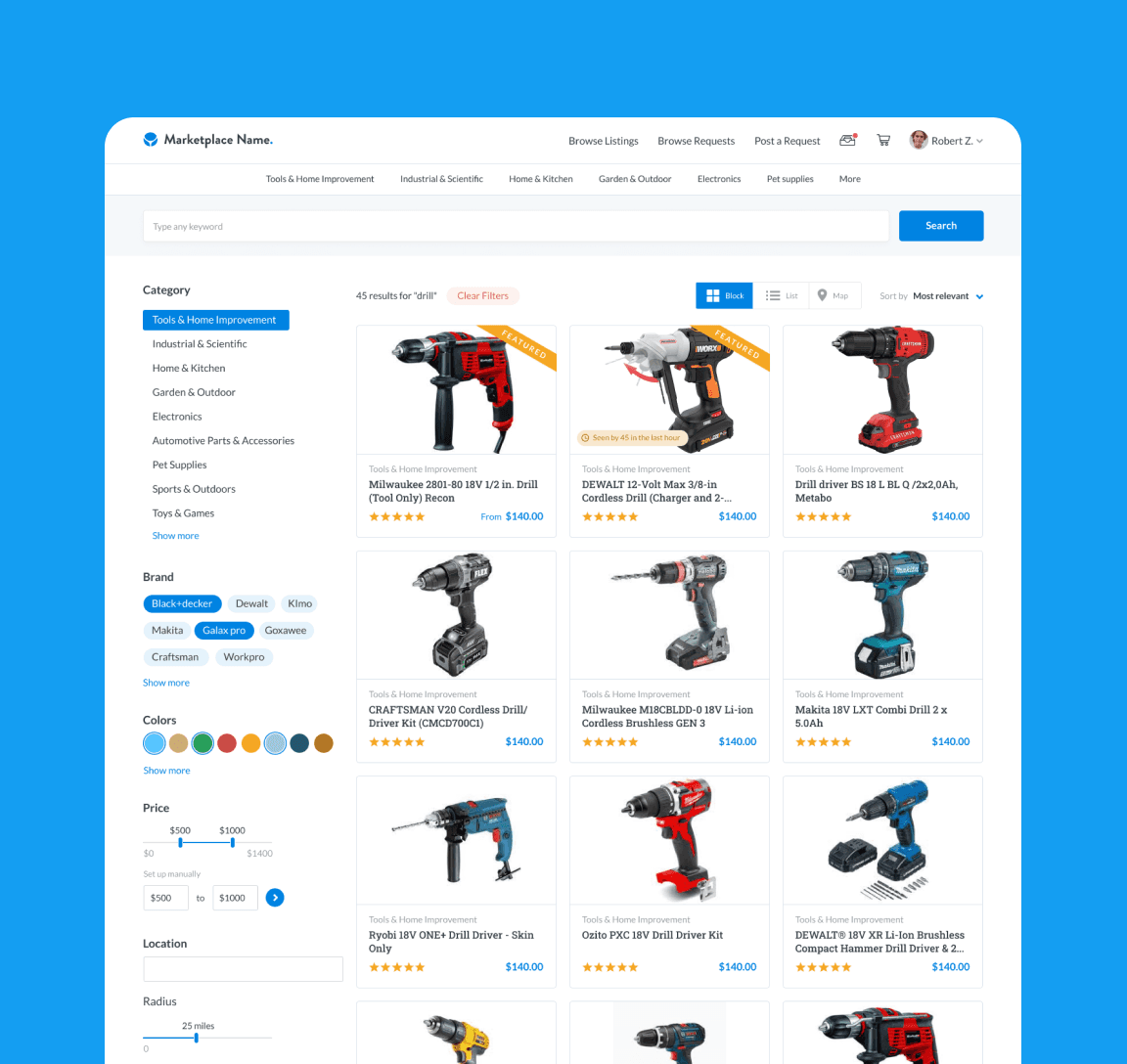
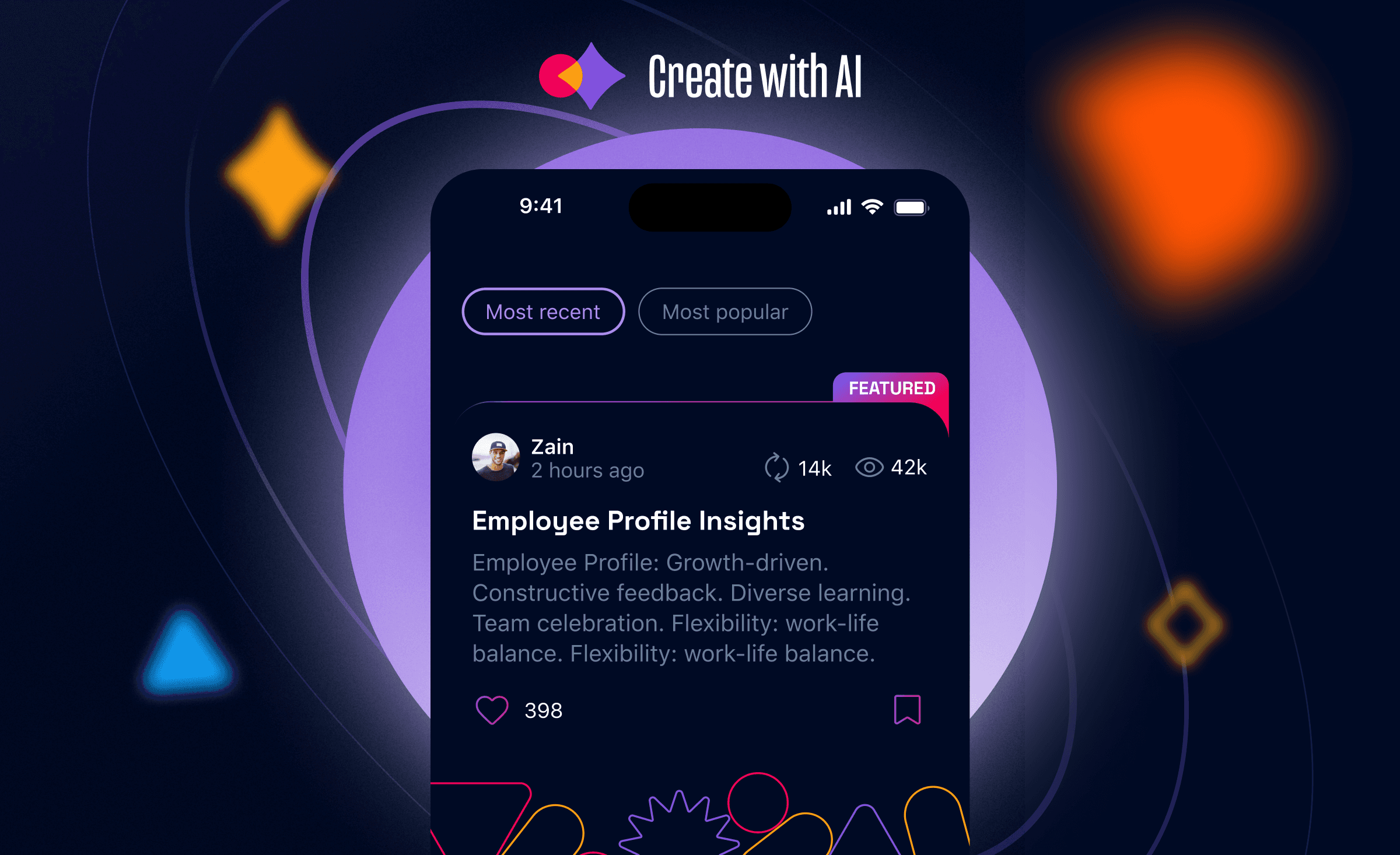
Sololearn’s first attempt to jump into the AI world is an app for collective creation, powered by generative AI. We designed a product to find inspiration, collaborate with other creators and adapt projects to user's needs from an exponentially growing prompt library.
Team
1 × Product Designer
1 × Product Manager
1 × Engineer Manager
2 × Developers
1 × Brand Designer
1 × Motion Designer
The app
01
While many AI apps on the market focus on individual creation, we see value in connecting creators, allowing them to collaborate together, and eventually teaching the prompt engineering behind every great output.
Simultaneously, there was an urgency because the AI trend had already begun, and we did not want to join in when it was no longer newsworthy.
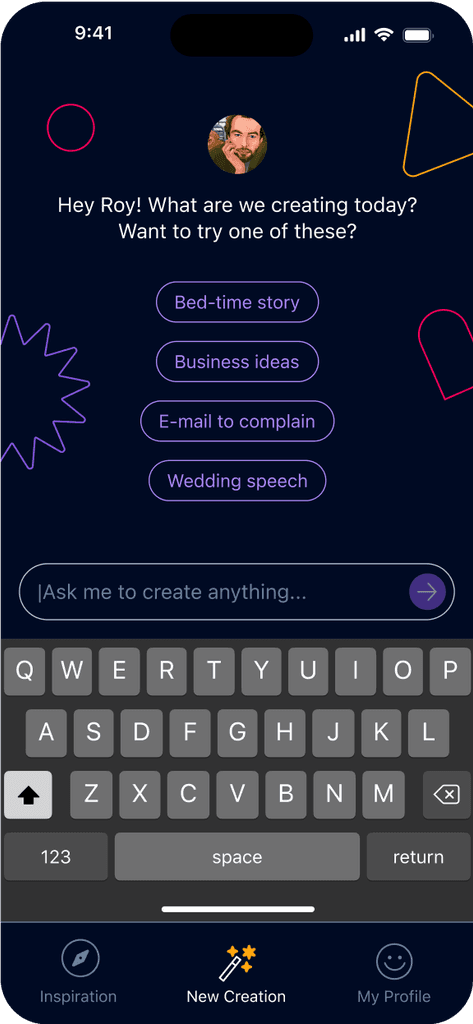
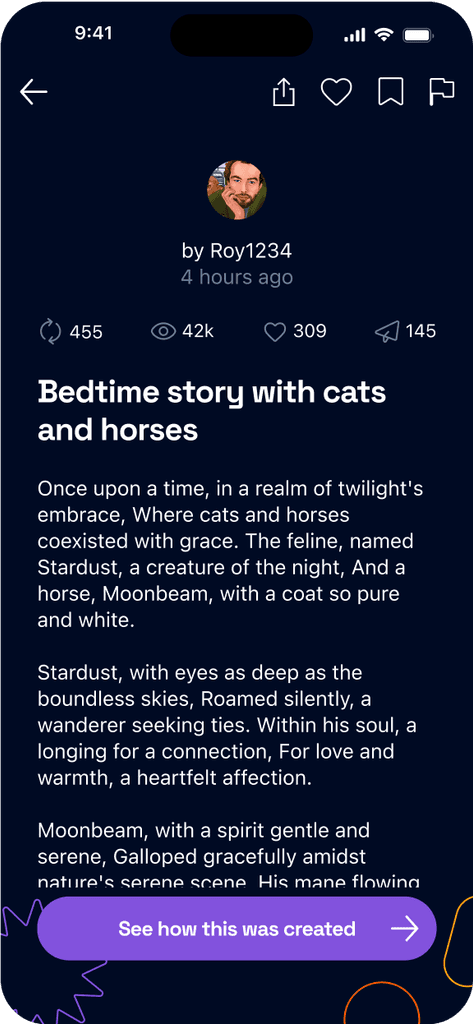
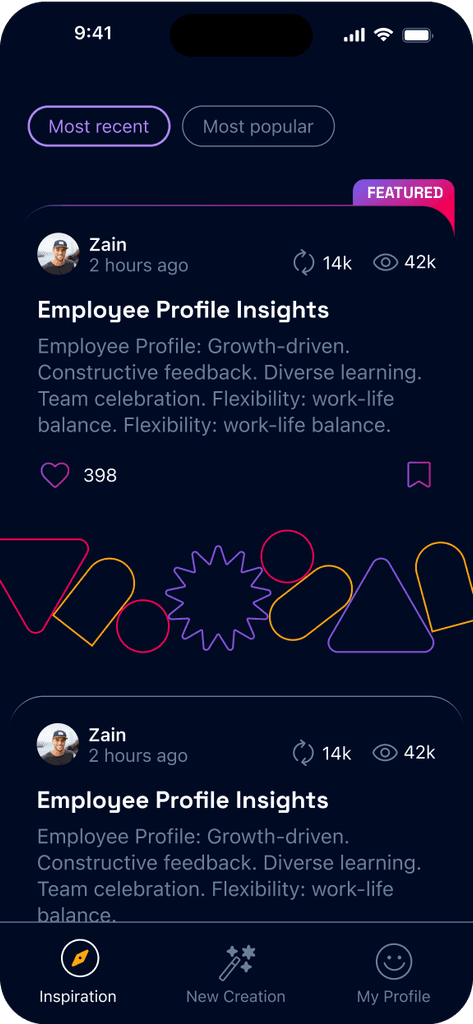
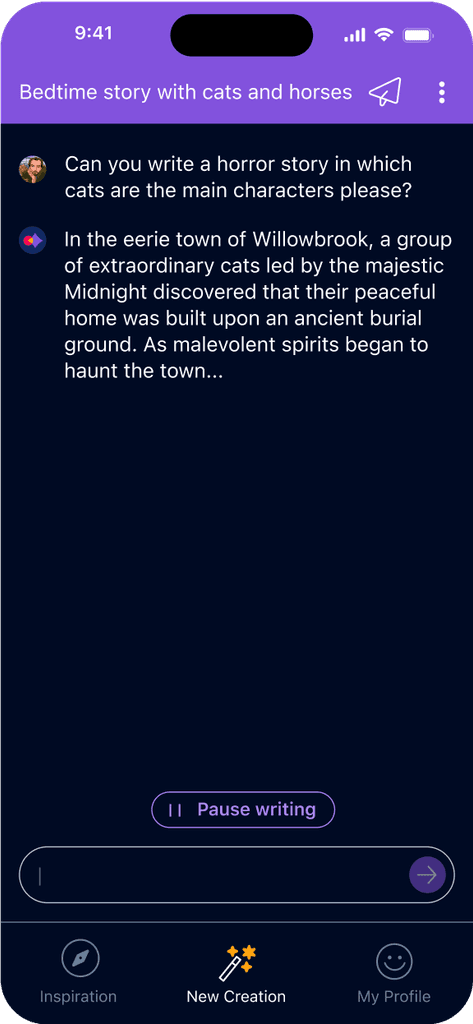
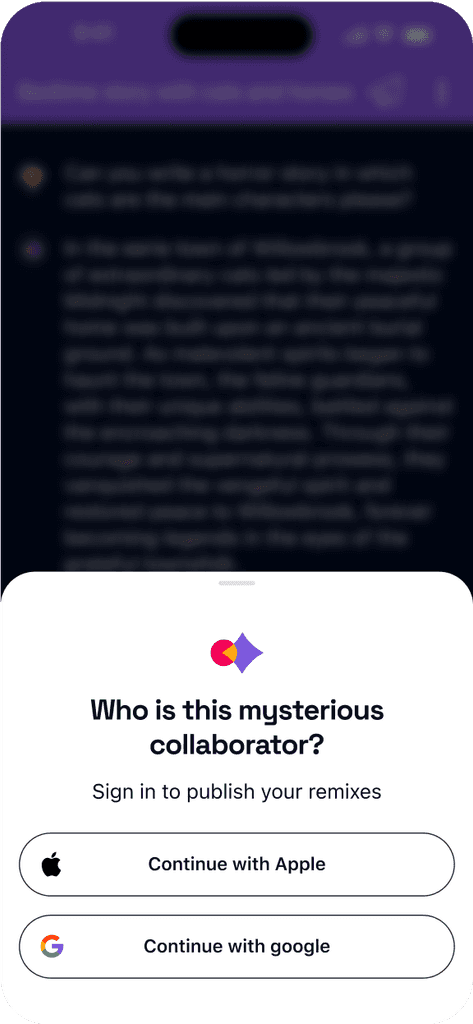
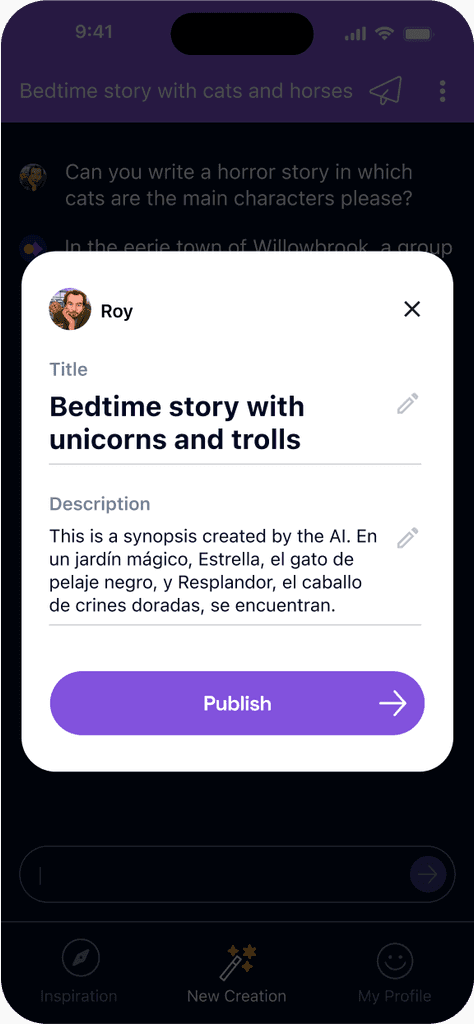
In merely 30 days, our team - composed of two Product Designers, one Motion Designer, and one Visual Designer - designed the main flow experience, UI, monetization strategy, and brand identity. The result was an app that supported three main actions:
Create
Remix another user's creation
Share in the feed

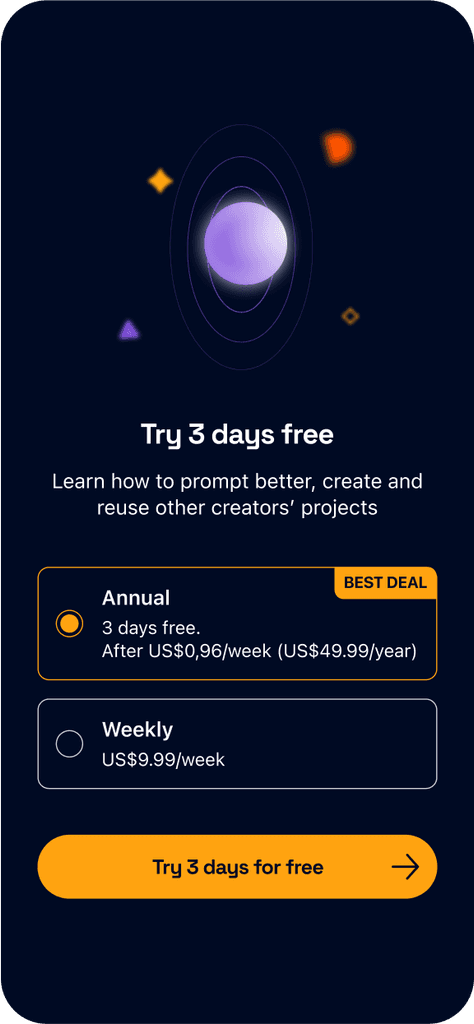
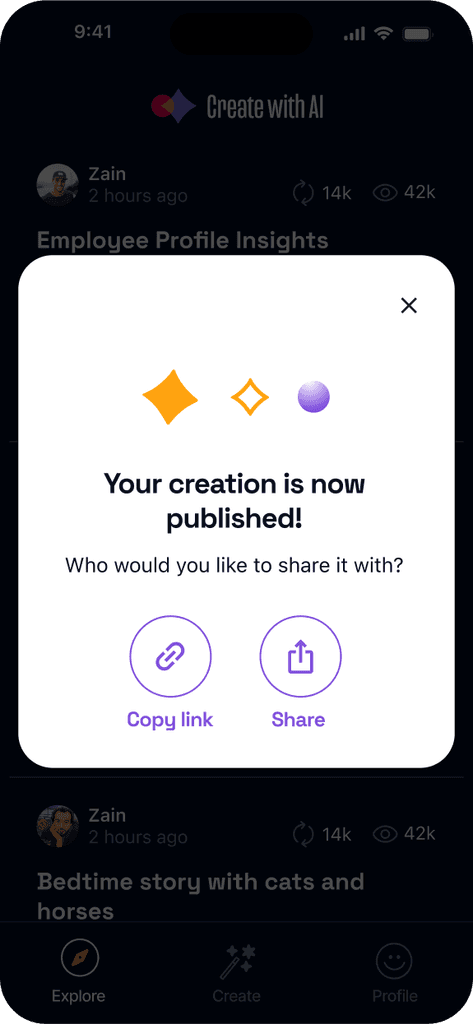
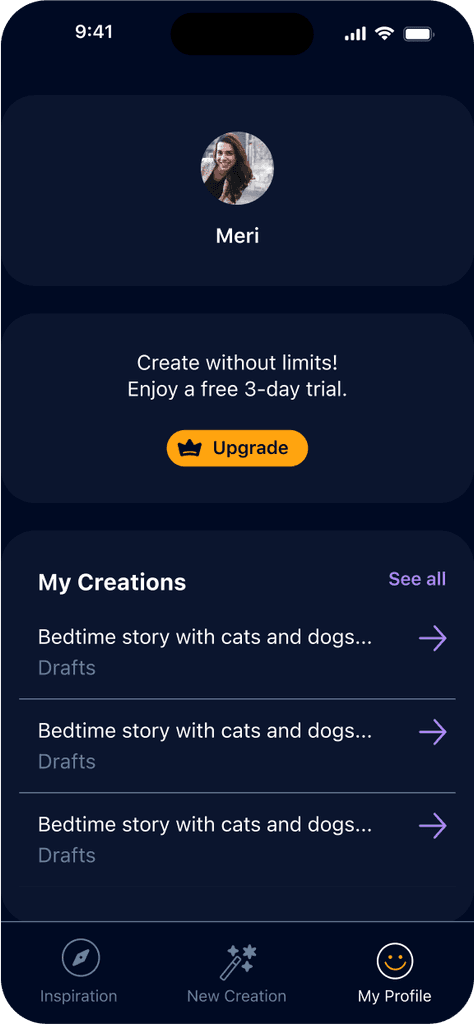
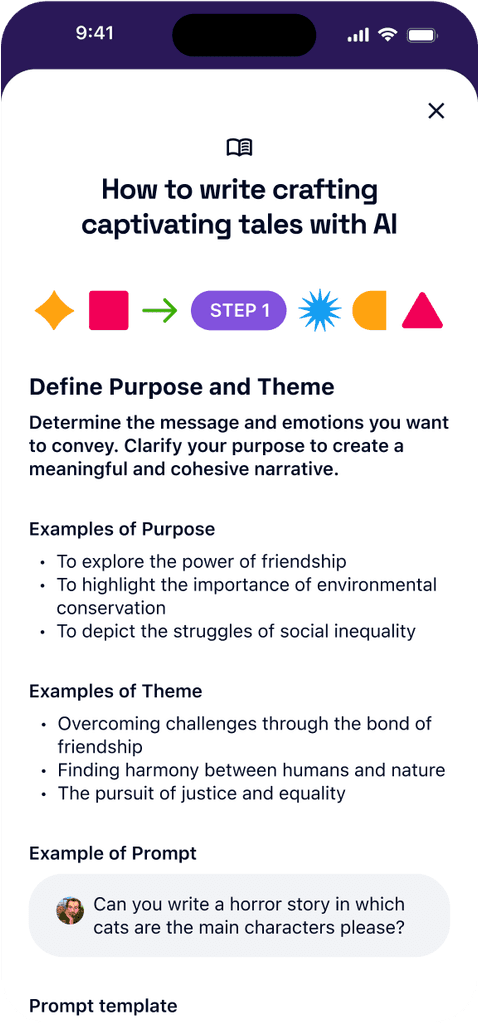
UI Kit

Space Grotesk

SF Pro Display
#8252DD
#149EF2
#FF5500
#FFFFFF
#2B3E6F
#FFA310
#40AF0C
#F20057
#6B7F99
#1B2746

Like

Save

Share

Remix

Shorten

Delete



Branding
02
Our aim to represent innovators in creative AI prompting and pioneer in their respective fields led us to develop a versatile, continuously evolving brand.
We found that AI-related products often feature dark modes and primarily green tones. We adopted some of these visual codes to be identifiable within the same market, while distinguishing ourselves from competitors in app store searches by using opposite resources, like warm tones.
We constructed a compact yet potent visual universe composed of basic geometric shapes. These shapes overlap, morph, intersect, and combine to create new arrangements, sizes, and depth.



We blended glow and gradients to craft abstract compositions that portray the brand's value propositions, such as growth, sharing, and inspiration.
While we generally use flat compositions, we occasionally apply 3D effects to shapes to impart a spatial depth effect.
Adjusting the sizes of elements and blurring are other techniques we use to add depth to the composition.
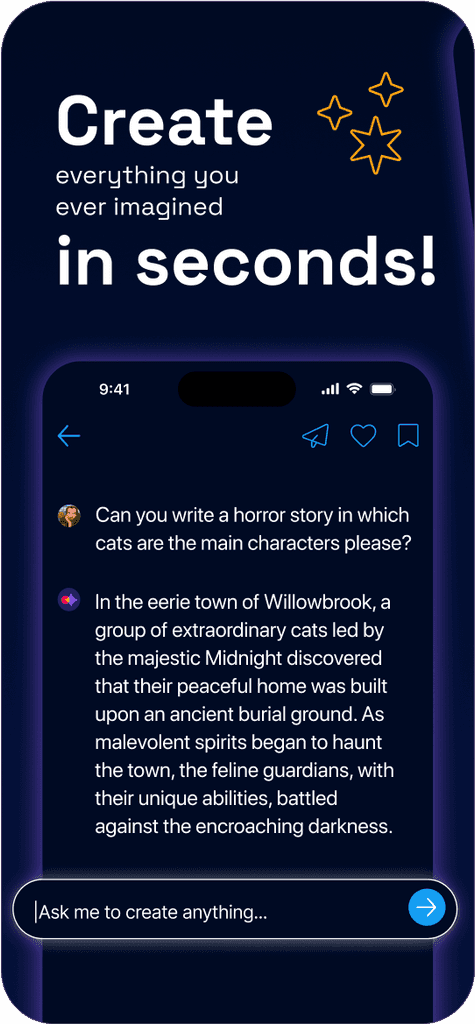
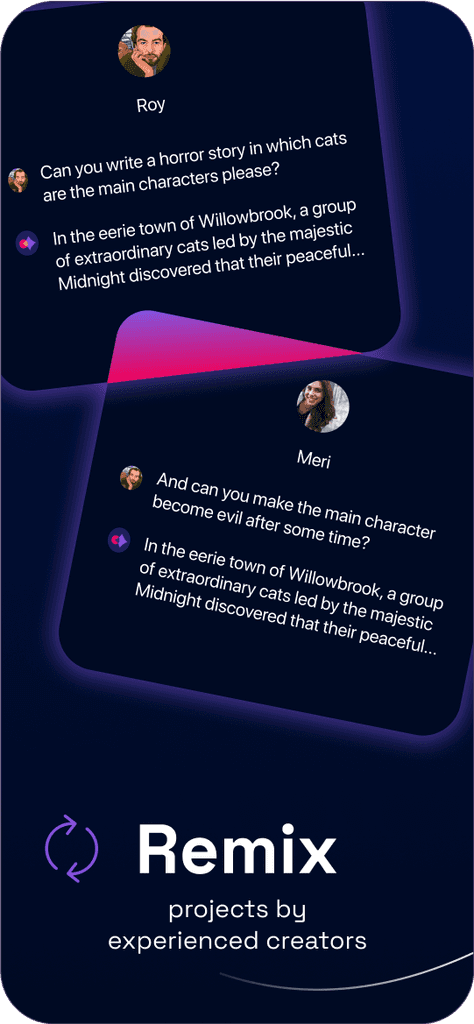
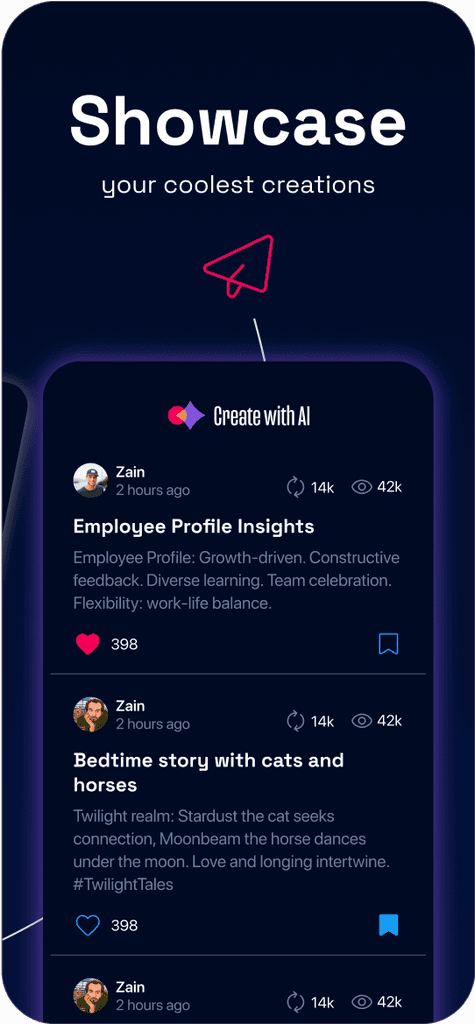
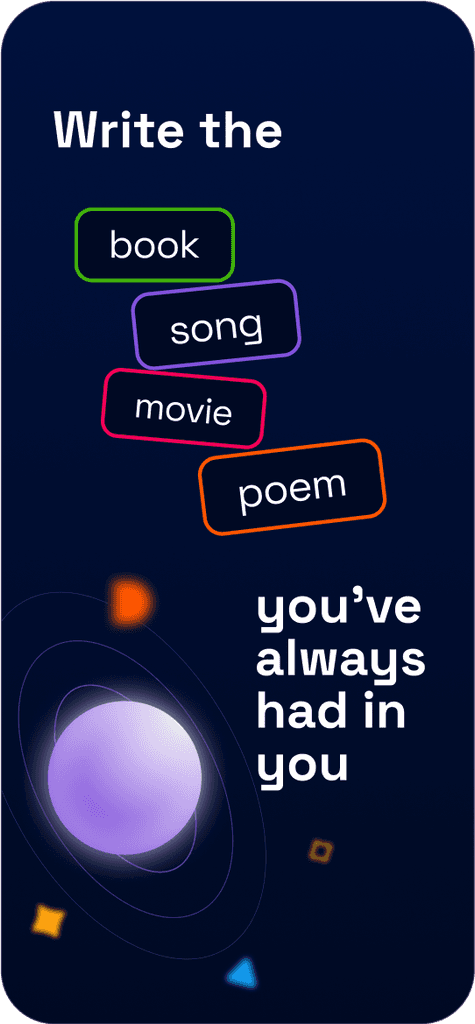
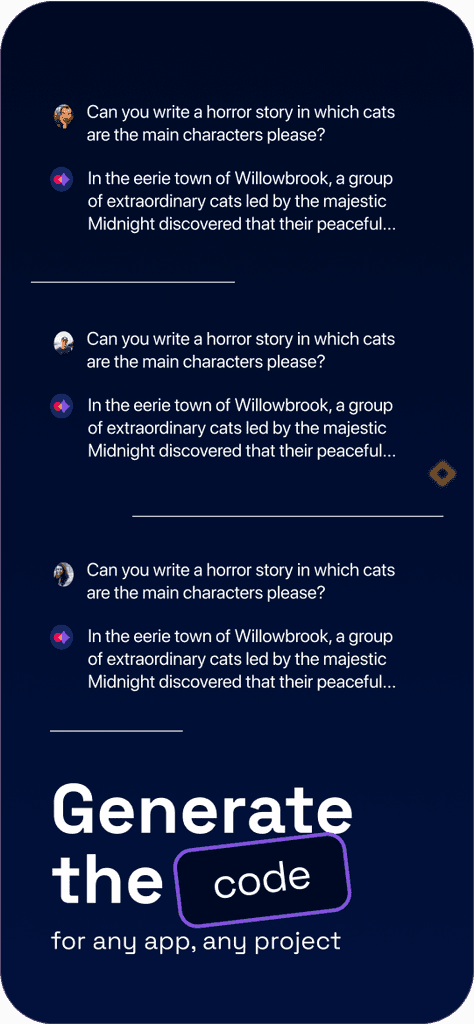
App Store screens
Website
03
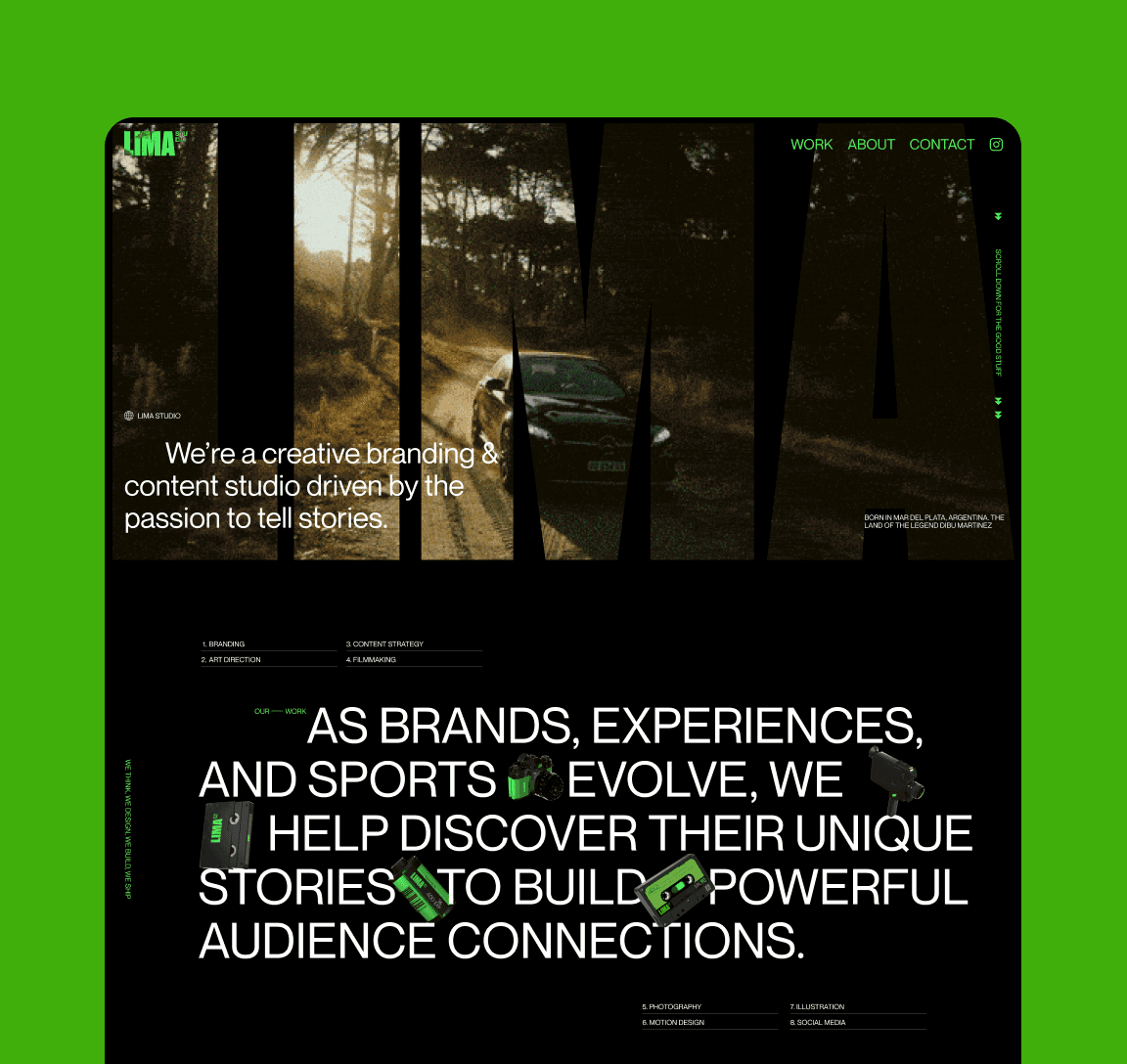
The core message in our website is that anyone has the potential to be an AI creator and reap the rewards of clever prompting.
The landing page content is structured to highlight the benefits of understanding AI prompting, demonstrate practical applications, and showcase the app's main features.
Conclusions
04
Create with AI was available in the App Store for just a few months before it was discontinued. So, why did it fail? Here are a few factors and the conclusions I've drawn from them:
05